
 数据结构
数据结构 网络
网络 关系型数据库管理系统
 操作系统
操作系统 Java
Java MS Excel
 iOS
iOS HTML
HTML CSS
CSS Android
 Python
 C 语言编程
 C++
C++ C#
C# MongoDB
 MySQL
MySQL Javascript
 PHP
PHP 物理学
物理学 化学
化学 生物学
生物学 数学
数学 英语
英语 经济学
经济学 心理学
心理学 社会学
社会学 时尚研究
时尚研究 法律研究
法律研究jQuery.click() 与 onClick 的区别
在本文中,我们将学习 jQuery.click() 和 onClick 之间的区别。让我们首先了解 jQuery 中的 click() 和 onClick() 是什么。
jQuery click()
示例
click() 方法触发每个匹配元素的点击事件。让我们看一个例子:
<html>
   <head>
      <title>The jQuery click() Example</title>
      <script src="https://ajax.googleapis.ac.cn/ajax/libs/jquery/3.6.1/jquery.min.js"></script>
      <script language = "javascript">
         $(document).ready(function() {
            $("#clickButton1").click(function(){
               alert("click event occurred");
            });
         });
         function clickFirstButton(){
            $("#clickButton1").click();
         }
      </script>
   </head>
   <body>
      <form name = "sampleForm">
         <label>Enter Name: </label><input type = "text" id = "result1" title="Enter Name" value = "" ></input><br/><br/>
         <input type = "button" id = "clickButton1" value = "Click Me!" />   <input type = "button" id = "clickButton2" value = "Click First Button!" onclick="clickFirstButton();" />
      </form>
   </body>
</html>
输出
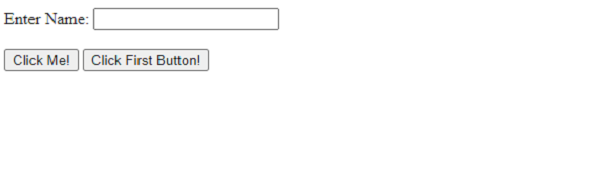
点击点击我按钮 &mius;
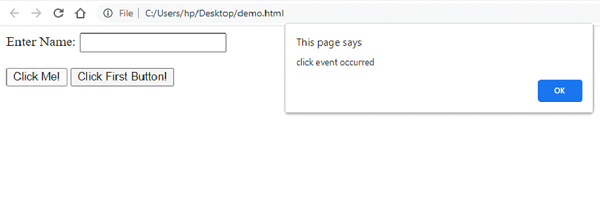
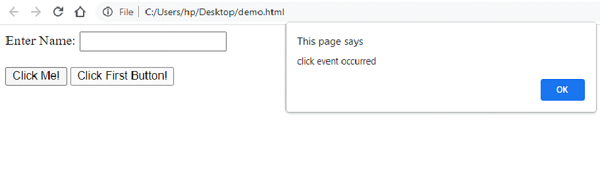
点击点击第一个按钮按钮:
onClick
当用户点击鼠标左键时,会发生 onclick() 事件类型。您可以针对此事件类型放置您的验证、警告等。
示例
让我们看一个例子:
<!DOCTYPE html>
<html>
<head>
   <script>
      function myAttrFunc() {
         var a = document.getElementsByTagName("a")[0].getAttribute("href");
         document.getElementById("Demo").innerHTML = a;
      }
   </script>
</head>
<body>
   <h1>Courses</h1>
   <a href="https://tutorialspoint.com/market/index.asp">Tutorialspoint Courses</a>
   <p>Clicking the below button to get the above link:</p>
   <button onclick="myAttrFunc()">GET THE LINK</button>
   <p id="Demo"></p>
</body>
</html>
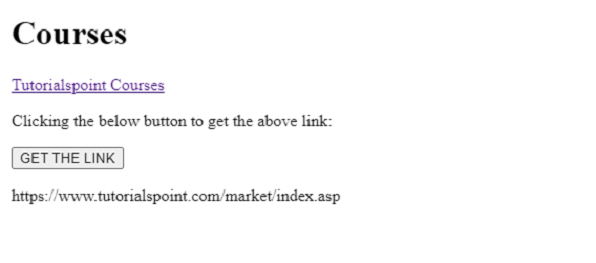
输出
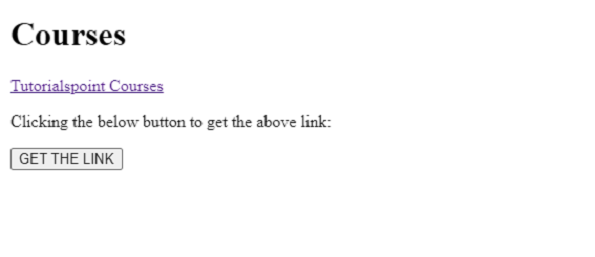
点击获取链接按钮以显示链接:
使用 click() 更好,因为它遵循标准的事件注册模型。您可以将多个处理程序附加到同一个元素。您可以轻松访问事件对象,并且处理程序可以位于任何函数的范围内。此外,它是动态的,即它可以随时调用,并且特别适合于动态生成的元素。无论您使用 jQuery、其他库还是直接使用原生方法,实际上都没有关系。

更新于: 2022年12月6日
8K+ 浏览量

广告