
 数据结构
数据结构 网络
网络 RDBMS
RDBMS 操作系统
操作系统 Java
Java MS Excel
 iOS
iOS HTML
HTML CSS
CSS Android
 Python
 C 编程
C 编程 C++
C++ C#
C# MongoDB
 MySQL
MySQL Javascript
 PHP
PHP 物理学
物理学 化学
化学 生物学
生物学 数学
数学 英语
英语 经济学
经济学 心理学
心理学 社会研究
社会研究 时尚研究
时尚研究 法律研究
法律研究如何使用 HTML5 localStorage API 将数据存储在浏览器中?
HTML5 localStorage 在浏览器中保存字符串数据,并且在当前会话之后仍然存在。localStorage 存储数据,没有到期时间,而 sessionStorage 仅限于仅限当前会话。当浏览器关闭时,会话将丢失。
本地存储旨在用于跨多个窗口并超过当前会话的存储。特别是,Web 应用程序可能希望出于性能原因,在客户端存储兆字节的用户数据,例如整个用户创建的文档或用户的邮箱。
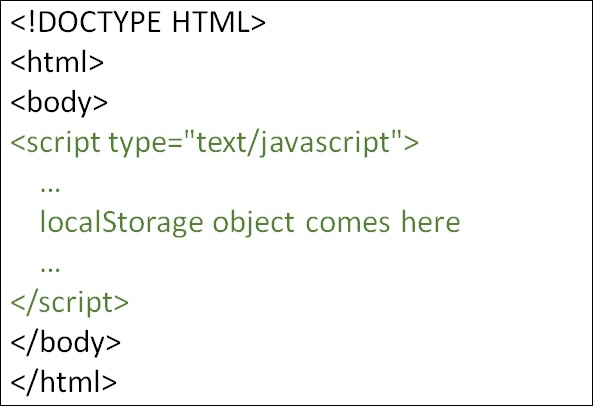
您可以尝试运行以下代码,以了解如何使用 HTML5 localStorage
示例
<!DOCTYPE HTML>
<html>
   <body>
      <script type = "text/javascript">
         if( localStorage.hits ){
            localStorage.hits = Number(localStorage.hits) +1;
         }else{
            localStorage.hits = 1;
         }
         document.write("Total Hits on the website:" + localStorage.hits );
      </script>
      <p>Refresh the page to increase number of hits.</p>
      <p>Close the window and open it again and check the result.</p>
   </body>
</html>

更新于:2020 年 2 月 25 日
204 次查看

广告