
 数据结构
数据结构 网络
网络 关系数据库管理系统 (RDBMS)
 操作系统
操作系统 Java
Java MS Excel
 iOS
iOS HTML
HTML CSS
CSS Android
 Python
 C语言编程
C语言编程 C++
C++ C#
C# MongoDB
 MySQL
MySQL Javascript
 PHP
PHP 物理学
物理学 化学
化学 生物学
生物学 数学
数学 英语
英语 经济学
经济学 心理学
心理学 社会学
社会学 服装学
服装学 法学
法学Java中的FileOutputStream。
这将数据写入特定文件或文件描述符(逐字节)。它通常用于使用原始字节(例如图像)写入文件内容。
要使用此类写入文件内容:
首先,需要通过传递一个字符串变量或一个**File**对象来实例化此类,该对象代表要读取的文件的路径。
FileOutputStream outputStream = new FileOutputStream("file_path");
or,
File file = new File("file_path"); FileOutputStream outputStream = new FileOutputStream (file);
也可以通过传递FileDescriptor对象来实例化FileOutputStream类。
FileDescriptor descriptor = new FileDescriptor(); FileOutputStream outputStream = new FileOutputStream(descriptor);
然后使用**write()**方法的任何变体将数据写入指定文件:
**int write(int b)** - 此方法接受单个字节并将其写入当前OutputStream。
**int write(byte[] b)** - 此方法接受字节数组作为参数并将数据从字节数组写入当前OutputStream。
**int write(byte[] b, int off, int len)** - 此方法接受字节数组、其偏移量 (int) 和其长度 (int) 作为参数并将内容写入当前OutputStream。
示例
假设我们在**D:/images**目录下有以下图像
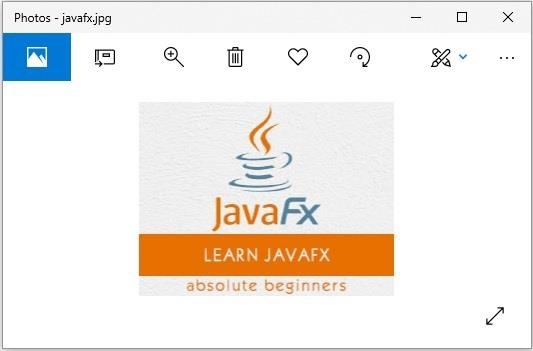
以下程序读取上述图像的内容并使用**FileOutputStream**类将其写回另一个文件。
import java.io.File;
import java.io.FileInputStream;
import java.io.FileOutputStream;
import java.io.IOException;
public class FileInputStreamExample {
   public static void main(String args[]) throws IOException {
      //Creating a File object
      File file = new File("D:/images/javafx.jpg");
      //Creating a FileInputStream object
      FileInputStream inputStream = new FileInputStream(file);
      //Creating a byte array
      byte bytes[] = new byte[(int) file.length()];
      //Reading data into the byte array
      int numOfBytes = inputStream.read(bytes);
      System.out.println("Data copied successfully...");
      //Creating a FileInputStream object
      FileOutputStream outputStream = new FileOutputStream("D:/images/output.jpg");
      //Writing the contents of the Output Stream to a file
      outputStream.write(bytes);
      System.out.println("Data written successfully...");
   }
}
输出
Data copied successfully...
Data written successfully...
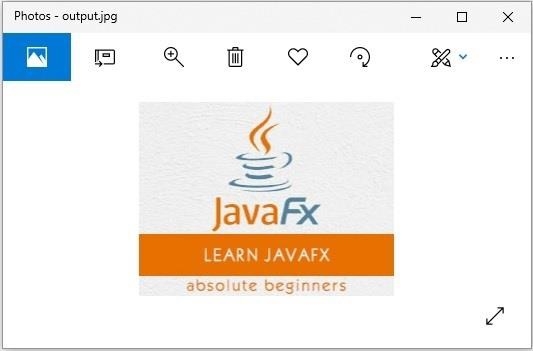
如果验证给定的路径,您可以观察到生成的图像为:

更新于:2019年9月12日
274 次浏览

广告