
 数据结构
数据结构 网络
网络 关系型数据库管理系统
 操作系统
操作系统 Java
Java MS Excel
 iOS
iOS HTML
HTML CSS
CSS Android
 Python
 C 语言编程
 C++
C++ C#
C# MongoDB
 MySQL
MySQL Javascript
 PHP
PHP 物理学
物理学 化学
化学 生物学
生物学 数学
数学 英语
英语 经济学
经济学 心理学
心理学 社会学
社会学 时尚研究
时尚研究 法律研究
法律研究如何使用 JavaScript 重定向到另一个网页?
window.location 对象包含当前位置或 URL 信息。我们可以使用此对象属性将用户重定向到另一个网页。window.location 可以不带前缀 window 编写。
我们使用 window.location 对象的以下属性将用户重定向到另一个网页:
window.location.href - 它返回当前页面的 URL (href)。
window.location.replace() - 它用新文档替换当前文档。
window.location.assign() 加载一个新文档。
以下语法用于重定向到另一个网页。我们在所有程序示例中都省略了 window 前缀,只使用 location。您可以尝试使用完整名称(即 window.location)运行程序。
语法
location.href = "url";
location.replace("url");
location.assign("url");
参数
url - 它是新网页的 URL。
使用 location.href 重定向
window.location.href 属性可用于重定向到另一个页面。我们可以使用以下语法进行重定向:
Window.location.href = "url";
Location.href = "url";
location = "url";
上述语法彼此等效,您可以根据您的重定向用户到另一个网页的目的使用任何语法。
让我们通过一个完整的示例来理解:
示例
在下面的示例中,我们使用 location.href 属性将用户重定向到另一个网页 (www.tutorix.com)。
<html>
   <head>
      <script type="text/javascript">
         function Redirect() {
            location.href="https://www.tutorix.com";
         }
      </script>
   </head>
   <body>
      <p>Click the following button to redirect to tutorix.com.</p>
      <form>
         <input type="button" value="Redirect Me" onclick="Redirect();" />
      </form>
   </body>
</html>
输出
运行上述程序时,将产生以下结果:
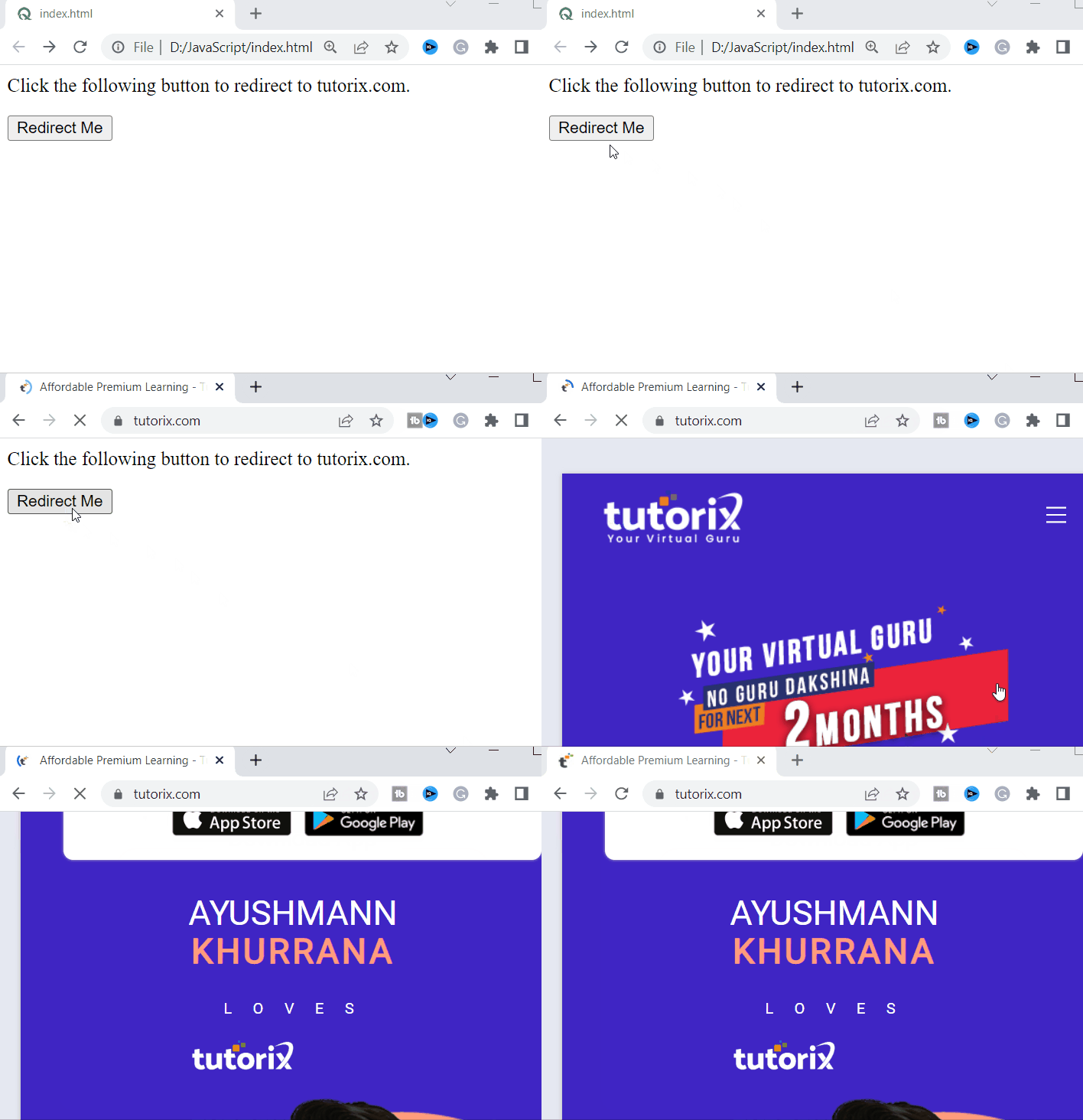
单击“重定向我”按钮时,将重定向到新网页。
使用 location.replace() 方法重定向
location.replace(url) 方法可用于替换当前网页,并加载从 url 加载的另一个网页。我们可以使用以下语法进行重定向:
Window.location.replace("url");
Location.replace("url")
上面提到的两种语法彼此等效,我们可以根据我们的重定向用户到另一个网页的目的使用任何语法。
让我们通过一个完整的示例来理解:
示例
在下面的示例中,我们使用 location.replace(url) 方法将用户重定向到另一个网页 (www.tutorix.com)。
<html>
   <head>
      <script type="text/javascript">
         function Redirect() {
            location.replace("https://www.tutorix.com");
         }
      </script>
   </head>
   <body>
      <p>Click the following button to redirect to tutorix.com.</p>
      <form>
         <input type="button" value="Redirect Me" onclick="Redirect();" />
      </form>
   </body>
</html>
输出
运行上述程序时,将产生以下结果:
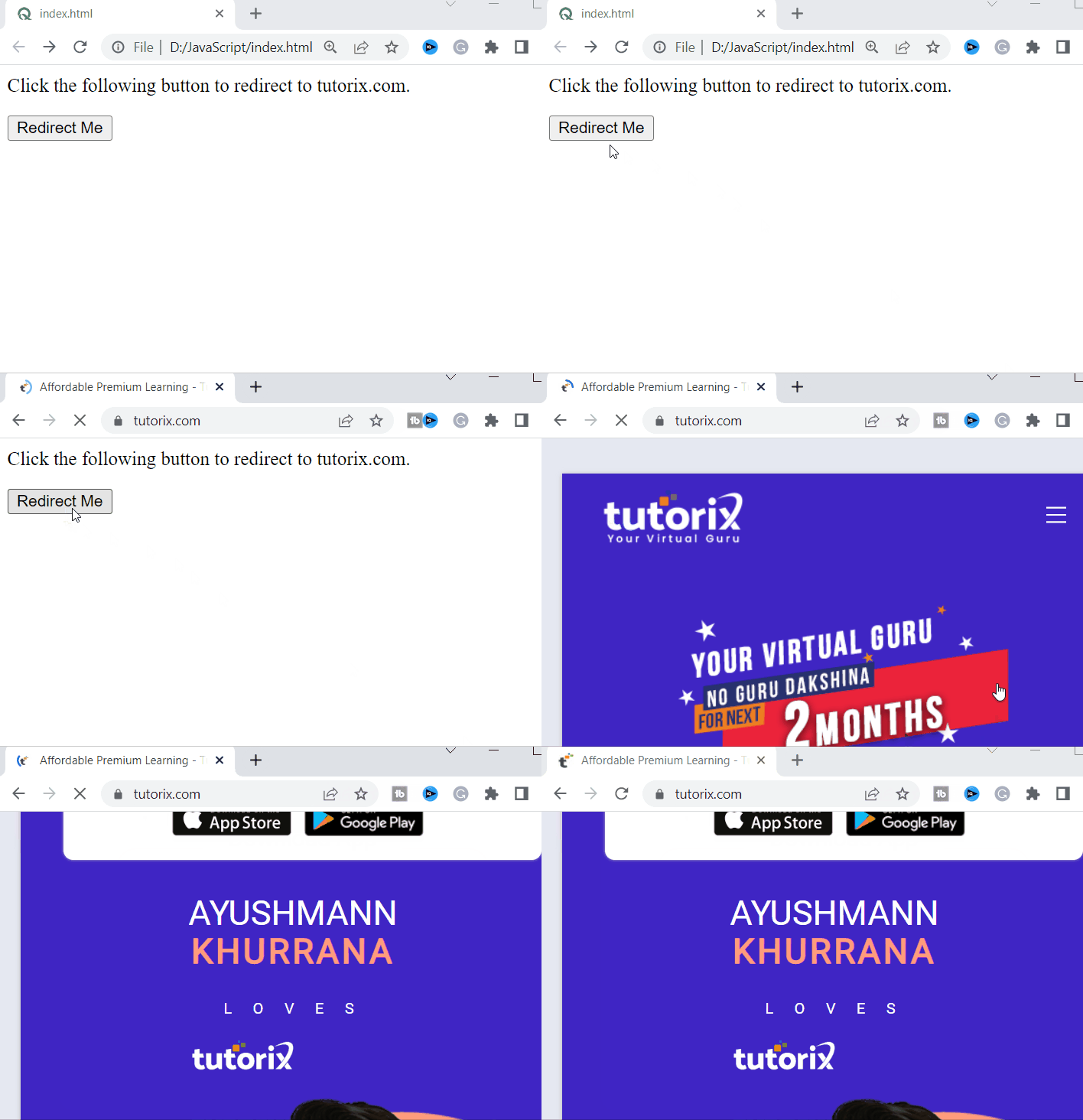
单击“重定向我”按钮时,将重定向到新网页。
使用 location.assign() 重定向
location.assign(url) 方法加载 url 中提供的资源。它可用于重定向到另一个网页。我们可以使用以下语法进行重定向:
Window.location.assign("url");
Location.assign("url")
上面提到的两种语法是相同的,我们可以根据我们的重定向到另一个网页的目的使用任何语法。
示例
在下面的示例中,我们使用 location.assign(url) 方法将用户重定向到另一个网页 (https://www.totorix.com)。
<html>
   <head>
      <script type="text/javascript">
         function Redirect() {
            location.assign("https://www.tutorix.com");
         }
      </script>
   </head>
   <body>
      <p>Click the following button to redirect to tutorix.com.</p>
         <form>
            <input type="button" value="Redirect Me" onclick="Redirect();" />
         </form>
      </body>
</html>
输出
运行上述程序时,将产生以下结果:
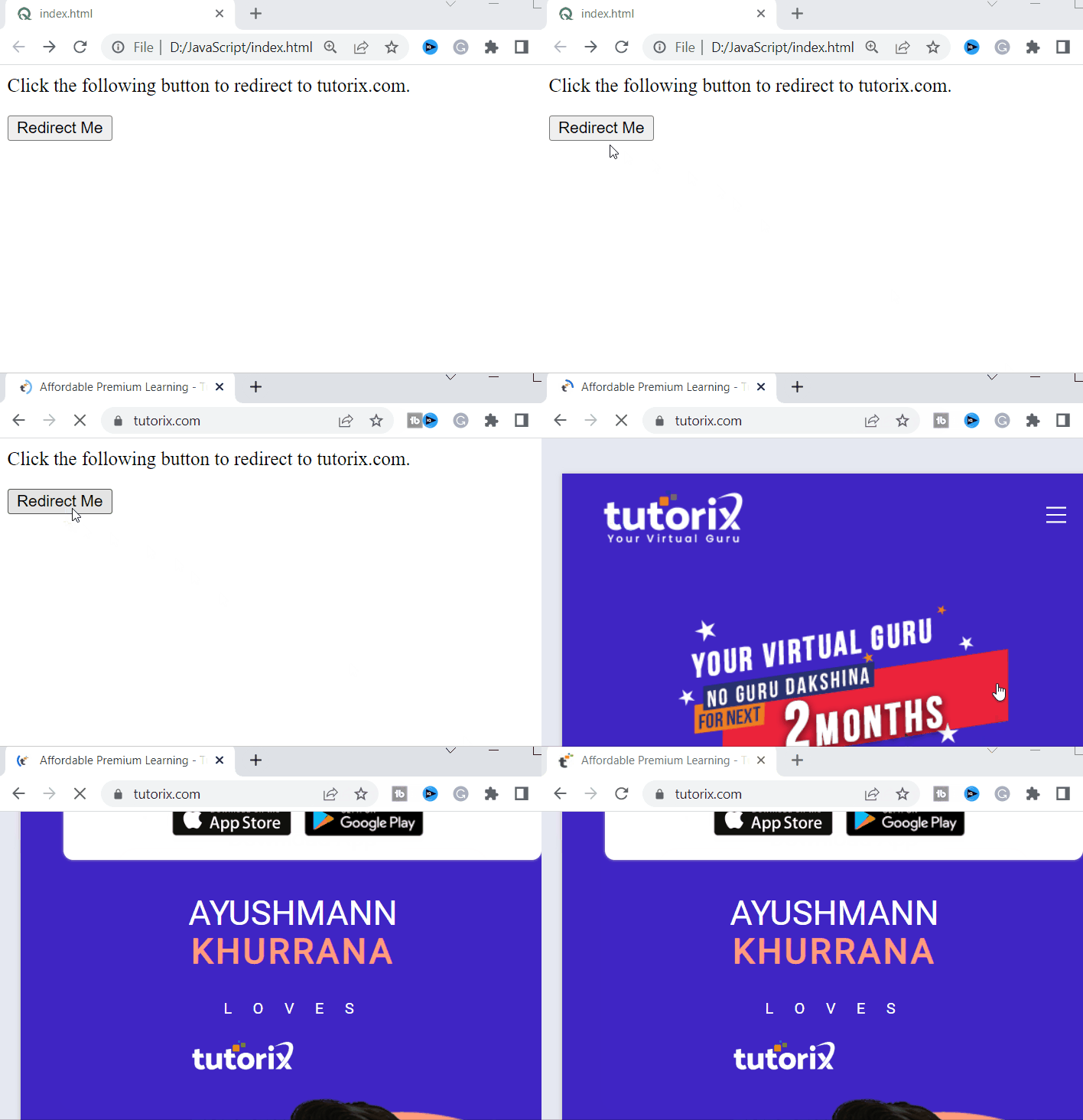
单击“重定向我”按钮时,将重定向到新网页。

20K+ 浏览量
