
 数据结构
数据结构 网络
网络 关系数据库管理系统
 操作系统
操作系统 Java
Java MS Excel
 iOS
iOS HTML
HTML CSS
CSS Android
 Python
 C 语言编程
 C++
C++ C#
C# MongoDB
 MySQL
MySQL Javascript
 PHP
PHP 物理学
物理学 化学
化学 生物学
生物学 数学
数学 英语
英语 经济学
经济学 心理学
心理学 社会学
社会学 时尚研究
时尚研究 法律研究
法律研究在 Rest Assured 中验证 JSON Schema。
我们可以在 Rest Assured 中验证 JSON Schema。Schema 验证确保从请求获得的响应满足一组预先构建的规则,并且响应中的 JSON 主体具有特定的格式。
我们将使用 matchesJsonSchema 方法(JSONSchemaValidator 类的一部分)来验证 Schema。要使用 JSON Schema 验证,我们必须在 Maven 项目的 pom.xml 中添加额外的 JSON Schema 验证器依赖项 -
https://mvnrepository.com/artifact/io.rest-assured/json-schema-validator
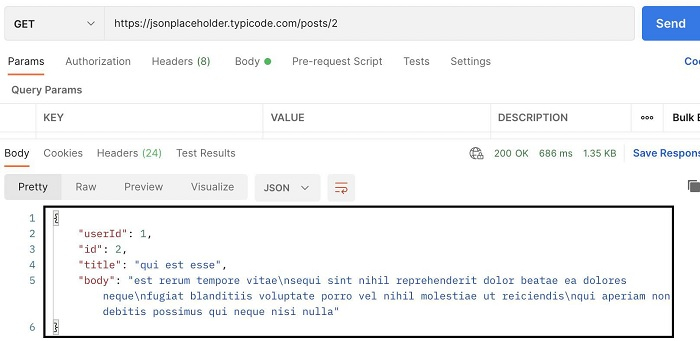
我们首先将通过 Postman 在端点上发送 GET 请求: https://jsonplaceholder.typicode.com/posts/2 并观察其响应。
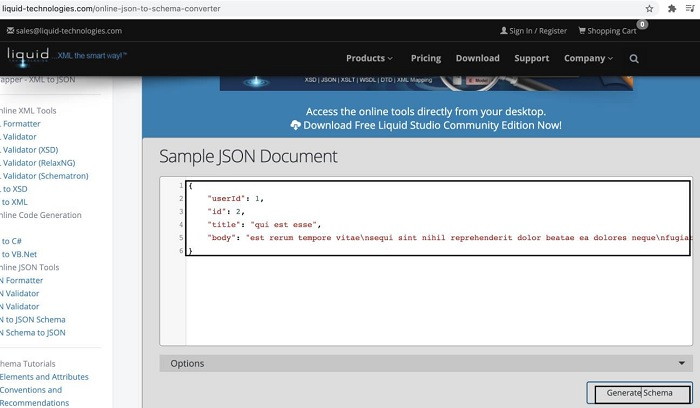
通常,JSON 响应的 Schema 由开发人员提供。但是,我们也可以借助在线资源(链接如下)生成一个:https://www.liquid-technologies.com/online-json-to-schema-converter
启动此应用程序后,我们将获得一个名为“示例 JSON 文档”的字段。在这里,我们必须添加要验证其 Schema 的 JSON 主体。然后点击“生成 Schema”按钮。
然后,JSON 的相应 Schema 将在页面底部生成。
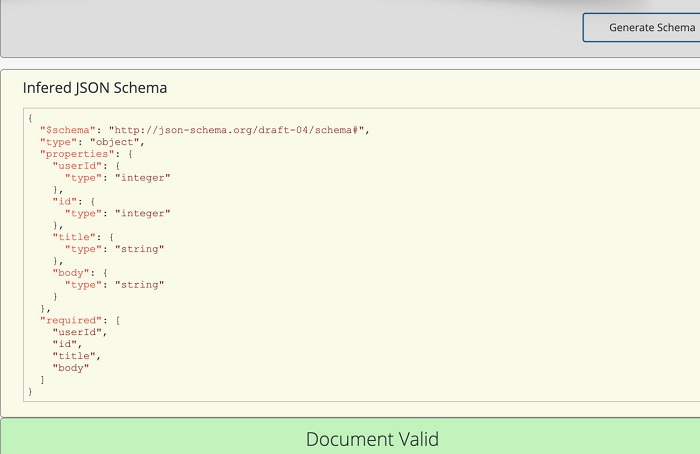
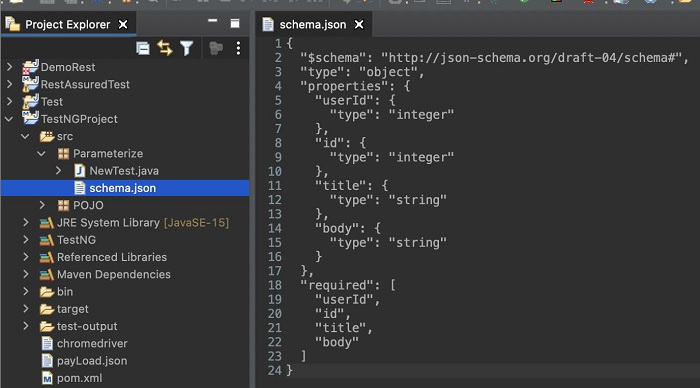
让我们创建一个 JSON 文件,例如 schema.json,在下面添加生成的 Schema。这是在项目中创建的。
{
   "$schema": "https://json-schema.fullstack.org.cn/draft-04/schema#",
   "type": "object",
   "properties": {
      "userId": {
         "type": "integer"
      },
      "id": {
         "type": "integer"
      },
      "title": {
         "type": "string"
      },
      "body": {
         "type": "string"
      }
   },
   "required": [
      "userId",
      "id",
      "title",
      "body"
   ]
}
示例
代码实现
import org.testng.annotations.Test;
import static io.restassured.RestAssured.given;
import java.io.File;
import io.restassured.RestAssured;
import io.restassured.module.jsv.JsonSchemaValidator;
public class NewTest {
   @Test
   public void validateJSONSchema(){

      //base URL
      RestAssured.baseURI = "https://jsonplaceholder.typicode.com/posts/2";

      //obtain response
      given()
      .when().get()

      //verify JSON Schema
      .then().assertThat()
      .body(JsonSchemaValidator.
      matchesJsonSchema(new File("/Users/src/Parameterize/schema.json")));
   }
}
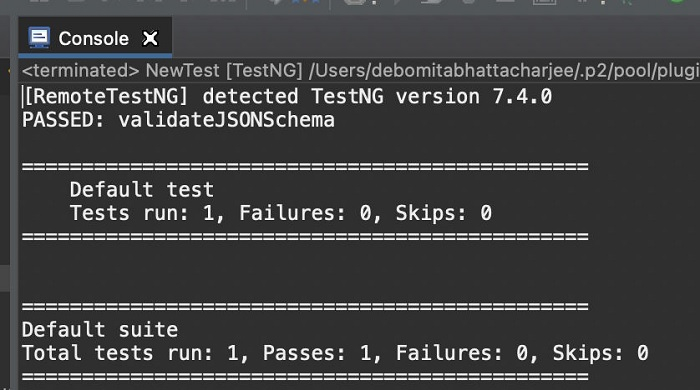
输出

更新于:2021 年 11 月 17 日
13K+ 浏览量

广告