
 数据结构
数据结构 网络
网络 关系数据库管理系统(RDBMS)
 操作系统
操作系统 Java
Java MS Excel
 iOS
iOS HTML
HTML CSS
CSS Android
 Python
 C语言编程
C语言编程 C++
C++ C#
C# MongoDB
 MySQL
MySQL Javascript
 PHP
PHP 物理学
物理学 化学
化学 生物学
生物学 数学
数学 英语
英语 经济学
经济学 心理学
心理学 社会学
社会学 服装设计
服装设计 法学
法学如何在Laravel中访问公共文件夹内的图片?
如果您在Laravel的public文件夹中存储了一个图片,您可以使用多种方法在浏览器中访问或显示它。在本文中,我们将学习其中一些方法。
假设我们有一朵花的图片(flower.jpg)存储在Public文件夹中,如下所示

现在让我们在浏览器中查看该图片。
使用url()方法
url()辅助函数可以返回完整的路径,即它会添加HTTP或HTTPS并返回给定URL的完整路径。例如,考虑以下URL
echo url()->current();
以上将给出您正在使用的当前URL。 http://127.0.0.1:8000/test
让我们考虑另一个例子
echo url('/images/flower.jpg');
上面一行的输出是http://127.0.0.1:8000/images/flower.jpg。
示例
现在让我们来看一个完整的PHP示例,用于显示存储在public文件夹中的图片:
<!DOCTYPE html>
<html>
<head>
   <style>
      body {
         font-family: 'Nunito', sans-serif;
      }
   </style>
</head>
<body class="antialiased">
   <div>
      <img src="{{url('/images/flower.jpg')}}" alt="Image" width="300" height="250"/>
   </div>
</body>
</html>
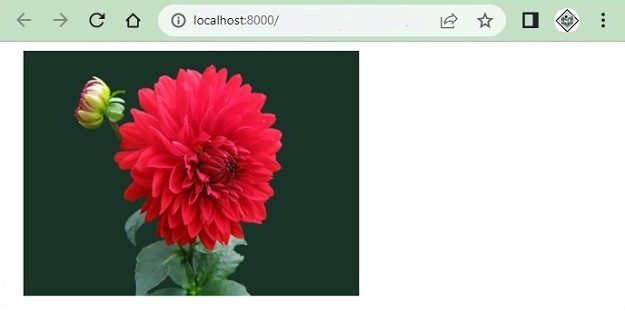
图片使用以下代码显示:
<img src="{{url('/images/flower.jpg')}}" alt="Image" width="300" height="250"/>
以上代码的输出如下:
使用URL::to()方法
URL::to()方法给出URL的起始路径,例如http://127.0.0.1:8000或https://127.0.0.1:8000
您也可以在Blade模板中使用URL::to('/')访问图片,如下所示:
<!DOCTYPE html>
<html>
<head>
   <style>
      body {
         font-family: 'Nunito', sans-serif;
      }
   </style>
</head>
<body class="antialiased">
   <div>
      <img src="{{ URL::to('/') }}/images/flower.jpg" alt="Image" width="300" height="250"/>
   </div>
</body>
</html>
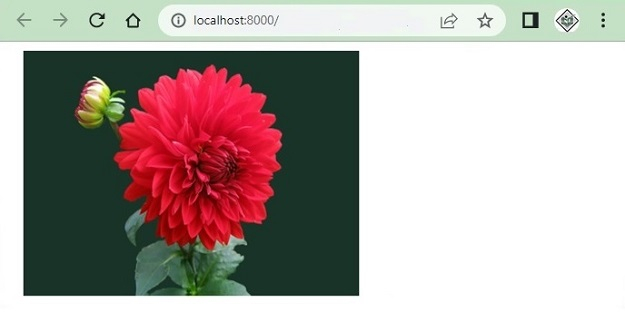
执行后,上述程序生成以下输出:
使用asset()辅助函数
asset()辅助函数也提供从http或https开始的完整URL。例如,考虑以下行:
echo asset('images/flower.jpg');
这将打印图片的完整URL,如下所示:
http://127.0.0.1:8000/images/flower.jpg
以下是使用asset()函数在浏览器中显示图片的完整示例:
<!DOCTYPE html>
<html>
<head>
   <style>
      body {
         font-family: 'Nunito', sans-serif;
      }
   </style>
</head>
<body class="antialiased">
   <div>
      <img src="{{ asset('images/flower.jpg') }}" alt="Image" width="300" height="250"/>
   </div>
</body>
</html>
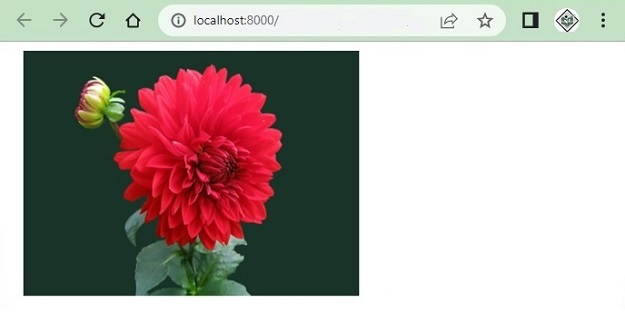
以上代码的输出是:
使用public_path()方法
public_path()方法将给出public/文件夹中文件的完整URL。此方法专门用于访问public文件夹中的文件。
以下示例使用了File类的public_path()方法,并获取public文件夹中所有可用的图片,并在浏览器中显示。
<?php
namespace App\Http\Controllers;
use Illuminate\Http\Request;
use App\Models\User;

class UserController extends Controller {
   public function index() {
      $images = \File::allFiles(public_path('images'));
      return View('test')->with(array('images'=>$images));
   }
}
Test.blade.php
<!DOCTYPE html>
<html>
<head>
   <style>
      body {
         font-family: 'Nunito', sans-serif;
      }
   </style>
</head>
<body class="antialiased">
   <div>
      <ul>
         @foreach ($images as $image)
            <li style="width:300px;display:inline-block;margin:5px 0px">
            <img src="{{asset('images/'. $image->getFilename())}}"width="300" height="250">
            </li>
         @endforeach
      </ul>
   </div>
</body>
</html>
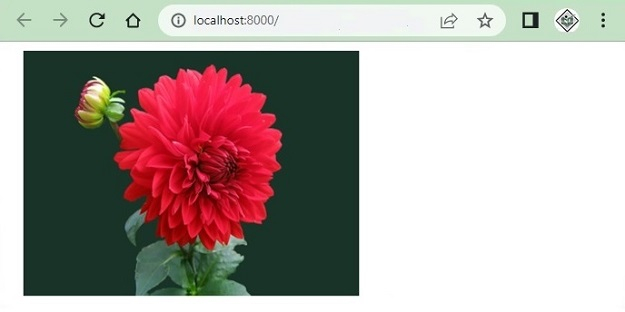
以上代码的输出如下:

更新于:2023年9月14日
31K+ 次浏览

广告