
 数据结构
数据结构 网络
网络 关系型数据库管理系统
 操作系统
操作系统 Java
Java MS Excel
 iOS
iOS HTML
HTML CSS
CSS Android
 Python
 C 编程
C 编程 C++
C++ C#
C# MongoDB
 MySQL
MySQL Javascript
 PHP
PHP 物理学
物理学 化学
化学 生物学
生物学 数学
数学 英语
英语 经济学
经济学 心理学
心理学 社会学
社会学 时尚研究
时尚研究 法律研究
法律研究如何使用 Python 点击 Bootstrap 标签中的 a href 链接?
Bootstrap 是一个流行的 HTML、CSS、JavaScript 框架,它可以帮助我们开发响应式、移动优先的前端 Web 应用程序。它提供了表单、排版、导航、按钮和其他界面组件的设计模板。Python 是操作 Web 内容的最佳语言。
Selenium 库
如果我们需要使用 Python 编程点击链接,则应该使用 Selenium 库。它是最流行的开源自动化测试工具,允许我们使 Web 浏览器自动化。
Selenium 主要用于自动化 Web 应用程序的测试目的,也用于其他目的,如自动化重复性任务和 Web 抓取。它支持 Python、Java、C 和 Ruby 等编程语言。它可以用来测试 Google、Mozilla Firefox、Safari 等 Web 浏览器。
需要遵循的步骤
以下是使用 Selenium 自动打开 Bootstrap 标签中给定 href 链接的步骤。
安装 Selenium 库:首先,我们必须在 Python 环境中安装 Selenium 库。以下是代码
pip install Selenium
如果安装成功,我们将得到以下输出 -
Collecting Selenium
  Downloading selenium-4.8.3-py3-none-any.whl (6.5 MB)
. . . . . . . . . . . . . . . . . . . . . . . . . . . . . . . . . .
. . . . . . . . . . . . . . . . . . . . . . . . . . . . . . . . . .
. . . . . . . . . . . . . . . . . . . . . . . . . . . . . . . . . .
Installing collected packages: outcome, h11, exceptiongroup, async-generator, wsproto, trio, trio-websocket, Selenium
Successfully installed Selenium-4.8.3 async-generator-1.10 exceptiongroup-1.1.1 h11-0.14.0 outcome-1.2.0 trio-0.22.0 trio-websocket-0.10.2 wsproto-1.2.0
Note: you may need to restart the kernel to use updated packages.
导入 Web 驱动程序 - Selenium 包用于从 Python 自动化 Web 浏览器交互。支持多种浏览器/驱动程序(Firefox、Chrome、Internet Explorer),以及远程协议。
从 Selenium 库导入 webdriver 包。
from selenium import webdriver
在此步骤中,我们将网站的驱动程序与 webdriver 包链接。
web_driver = webdriver.Chrome("D://Myspace/chromedriver.exe")
接下来,我们将使用 webdriver 包的 get() 函数通过分配网站链接来打开 href 链接。
web_driver.get("https://tutorialspoint.com/")
让我们将上面提到的所有步骤组合在一起,并查看输出。
from selenium import webdriver
web_driver = webdriver.Chrome("D://Myspace/chromedriver.exe")
web_driver.get("https://tutorialspoint.com/")
print("The website link opened")
输出
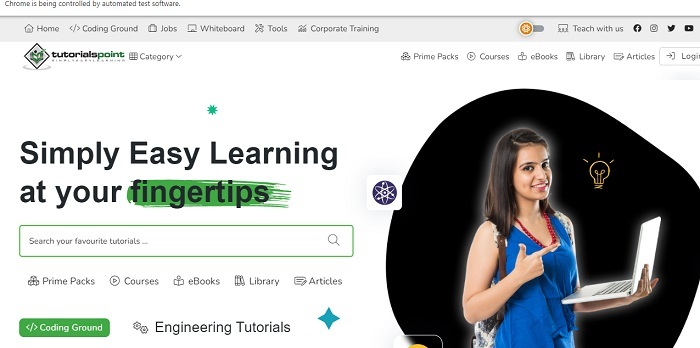
以下是上述代码的输出,当我们运行程序时,将打开指定的链接。
示例
以下是另一个使用 Python 从 Bootstrap 标签中点击 href 链接的示例。
from selenium import webdriver
from selenium.webdriver.common.by import By
from selenium.webdriver.support.ui import WebDriverWait
from selenium.webdriver.support import expected_conditions as EC
url = "https://tutorialspoint.com"
driver_path = "path/to/webdriver"
driver = webdriver.Chrome(driver_path)
driver.get(url)
tab_link = WebDriverWait(driver, 10).until(
    EC.presence_of_element_located((By.CSS_SELECTOR, 'a[data-toggle="tab"][href="#tab-1"]'))
)
tab_link.click()
WebDriverWait(driver, 10).until(
    EC.presence_of_element_located((By.ID, "tab-1"))
)
link_url = driver.current_url
driver.get(link_url)
print(driver.page_source)
driver.quit()
输出
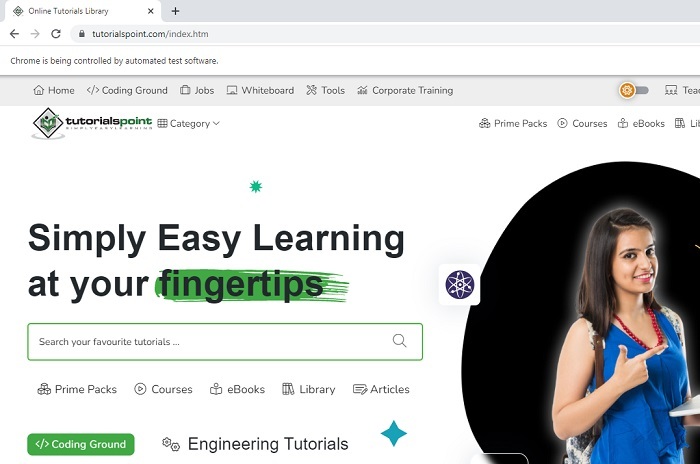
上述代码的输出如下。

153 次查看
