
 数据结构
数据结构 网络
网络 RDBMS
RDBMS 操作系统
操作系统 Java
Java MS Excel
 iOS
iOS HTML
HTML CSS
CSS Android
 Python
 C 编程
C 编程 C++
C++ C#
C# MongoDB
 MySQL
MySQL Javascript
 PHP
PHP 物理
物理 化学
化学 生物
生物 数学
数学 英语
英语 经济
经济 心理学
心理学 社会学
社会学 时装研究
时装研究 法律研究
法律研究如何在 iPhone/iOS 中比较两个 NSDates?
本文我们将介绍如何在 Swift 中比较两个 NSDates。首先我们需要创建两个 NSDates。
这次我们将在游乐场而不是模拟器中进行。
首先我们创建两个不同的日期。
let dateOne = NSDateComponents()
dateOne.day = 5
dateOne.month = 6
dateOne.year = 1993
let dateTwo = NSDateComponents()
dateTwo.day = 4
dateTwo.month = 2
dateTwo.year = 1995
使用这些日期组件,我们将创建日期,然后比较它们
let cal = NSCalendar.current
let FirstDate = cal.date(from: dateOne as DateComponents)
let secondDate = cal.date(from: dateTwo as DateComponents)
现在,为了比较它们,我们将使用 if 条件。
if secondDate!.compare(firstDate!) == .orderedAscending {
   print("date 1 is bigger than date 2")
} else {
   print("Date 2 is bigger")
}
以下是上面代码在模拟器上运行时的输出。
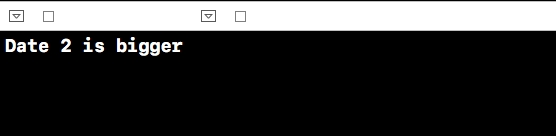
我们可以有三种不同的方法来进行比较。
- orderedAscending
- orderedDescending
- orderedSame

更新日期:2019-07-30
118 次浏览

广告