
 数据结构
数据结构 网络
网络 关系型数据库管理系统
 操作系统
操作系统 Java
Java Microsoft Excel
 iOS
iOS HTML
HTML CSS
CSS Android
 Python
 C 编程
C 编程 C++
C++ C#
C# MongoDB
 MySQL
MySQL Javascript
 PHP
PHP 物理学
物理学 化学
化学 生物学
生物学 数学
数学 英语
英语 经济学
经济学 心理学
心理学 社会学
社会学 时尚研究
时尚研究 法律研究
法律研究如何将 Tkinter 窗口置于其他窗口之上?
无论何时我们创建一个 GUI 程序,tkinter 通常在后台显示输出屏幕。换句话说,tkinter 会将程序窗口显示在其他程序后面。要将 tkinter 窗口置于其他窗口之上,我们需要使用 attributes('- topmost',True) 属性。它会将窗口拉到最上面。
示例
#Importing the library
from tkinter import *

#Create an instance of tkinter window or frame
win= Tk()

#Setting the geometry of window
win.geometry("600x350")

#Create a Label
Label(win, text= "Hello World! ",font=('Helvetica bold', 15)).pack(pady=20)

#Make the window jump above all
win.attributes('-topmost',True)

win.mainloop()
输出
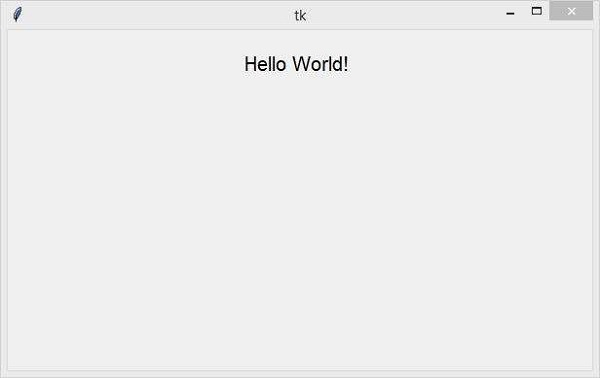
运行以上代码将使窗口一直位于所有其他窗口之上 −

更新日期: 26-03-2021
1.1 万+ 浏览

广告