
- Java 编程示例
- 示例 - 主页
- 示例 - 环境
- 示例 - 字符串
- 示例 - 数组
- 示例 - 日期和时间
- 示例 - 方法
- 示例 - 文件
- 示例 - 目录
- 示例 - 异常
- 示例 - 数据结构
- 示例 - 集合
- 示例 - 网络
- 示例 - 多线程
- 示例 - 小程序
- 示例 - 简单 GUI
- 示例 - JDBC
- 示例 - 正则表达式
- 示例 - Apache PDF Box
- 示例 - Apache POI PPT
- 示例 - Apache POI Excel
- 示例 - Apache POI Word
- 示例 - OpenCV
- 示例 - Apache Tika
- 示例 - iText
- Java 教程
- Java - 教程
- Java 有用资源
- Java - 快速指南
- Java - 有用资源
如何使用 Java 合并两个 PPT
问题描述
如何使用 Java 合并两个 PPT。
解决方案
以下是使用 java 合并两个 PPT 的程序。
import java.io.FileInputStream;
import java.io.FileOutputStream;
import java.io.IOException;

import org.apache.poi.xslf.usermodel.XMLSlideShow;
import org.apache.poi.xslf.usermodel.XSLFSlide;

public class MergingMultiplePresentations {
   public static void main(String args[]) throws IOException {

      //creating empty presentation
      XMLSlideShow ppt = new XMLSlideShow();

      //taking the two presentations that are to be merged
      String file1 = "C:/poippt/presentation1.pptx";
      String file2 = "C:/poippt/presentation2.pptx";
      String[] inputs = {file1, file2};

      for(String arg : inputs) {
         FileInputStream inputstream = new FileInputStream(arg);
         XMLSlideShow src = new XMLSlideShow(inputstream);

         for(XSLFSlide srcSlide : src.getSlides()){

            //merging the contents
            ppt.createSlide().importContent(srcSlide);
         }
      }
      String file3 = "C:/poippt/combinedpresentation.pptx";

      //creating the file object
      FileOutputStream out = new FileOutputStream(file3);

      // saving the changes to a file
      ppt.write(out);
      System.out.println("Merging done successfully");
      out.close();
   }
}
输入
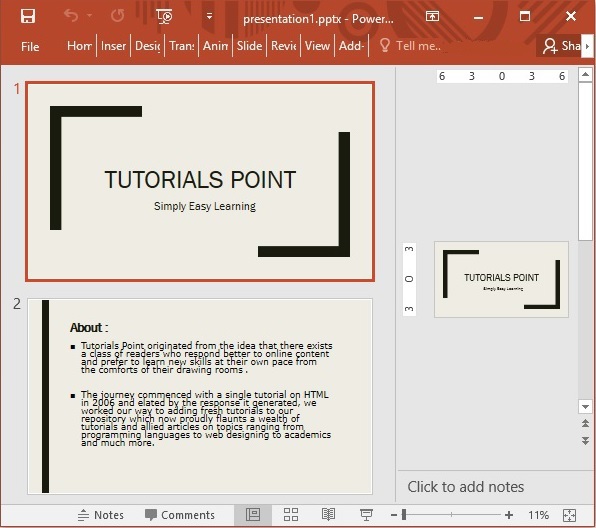
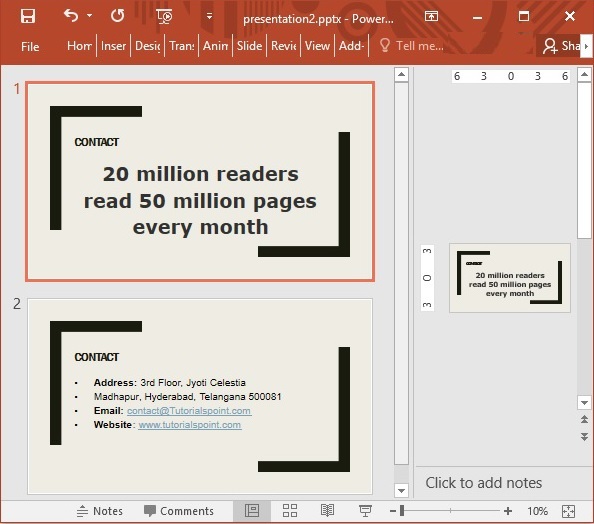
输出
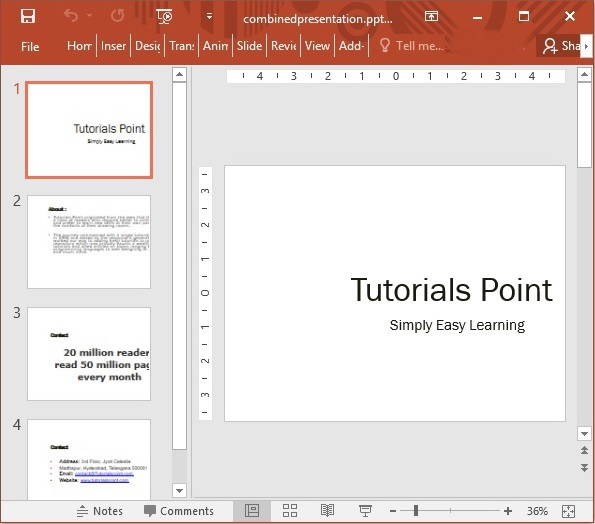
java_apache_poi_ppt
广告