
- Java 编程示例
- 示例 - 主页
- 示例 - 环境
- 示例 - 字符串
- 示例 - 数组
- 示例 - 日期和时间
- 示例 - 方法
- 示例 - 文件
- 示例 - 目录
- 示例 - 异常
- 示例 - 数据结构
- 示例 - 集合
- 示例 - 网络
- 示例 - 线程
- 示例 - 小应用程序
- 示例 - 简单 GUI
- 示例 - JDBC
- 示例 - 正则表达式
- 示例 - Apache PDF Box
- 示例 - Apache POI PPT
- 示例 - Apache POI Excel
- 示例 - Apache POI Word
- 示例 - OpenCV
- 示例 - Apache Tika
- 示例 - iText
- Java 教程
- Java - 教程
- 有用的 Java 资源
- Java - 快速指南
- Java - 有用资源
如何使用 Java 从系统摄像头拍摄快照
问题描述
如何使用 Java 从系统摄像头拍摄快照。
解决方案
以下是使用 java 从系统摄像头拍摄快照的程序。
import java.awt.image.BufferedImage;
import java.awt.image.DataBufferByte;
import java.awt.image.WritableRaster;

import java.io.FileNotFoundException;
import java.io.IOException;

import javafx.application.Application;
import javafx.embed.swing.SwingFXUtils;
import javafx.scene.Group;
import javafx.scene.Scene;
import javafx.scene.image.ImageView;
import javafx.scene.image.WritableImage;
import javafx.stage.Stage;

import org.opencv.core.Core;
import org.opencv.core.Mat;
import org.opencv.videoio.VideoCapture;

public class TakingSnapshotUsingCamera extends Application {
   Mat matrix = null;

   @Override
   public void start(Stage stage) throws FileNotFoundException, IOException {

      //Capturing the snapshot from the camera
      TakingSnapshotUsingCamera obj = new TakingSnapshotUsingCamera();
      WritableImage writableImage = obj.capureSnapShot();

      //Setting the image view
      ImageView imageView = new ImageView(writableImage);

      //setting the fit height and width of the image view
      imageView.setFitHeight(400);
      imageView.setFitWidth(600);

      //Setting the preserve ratio of the image view
      imageView.setPreserveRatio(true);

      //Creating a Group object
      Group root = new Group(imageView);

      //Creating a scene object
      Scene scene = new Scene(root, 600, 400);

      //Setting title to the Stage
      stage.setTitle("Capturing an image");

      //Adding scene to the satge
      stage.setScene(scene);

      //Displaying the contents of the stage
      stage.show();
   }

   public WritableImage capureSnapShot() {
      WritableImage WritableImage = null;

      //Loading the OpenCV core library
      System.loadLibrary( Core.NATIVE_LIBRARY_NAME );

      //Instantiating the VideoCapture class (camera:: 0)
      VideoCapture capture = new VideoCapture(0);

      //Reading the next video frame from the camera
      Mat matrix = new Mat();
      capture.read(matrix);

      //If camera is opened
      if(capture.isOpened()) {

         //If there is next video frame
         if (capture.read(matrix)) {

            //Creating BuffredImage from the matrix
            BufferedImage image = new BufferedImage(matrix.width(), matrix.height(),
               BufferedImage.TYPE_3BYTE_BGR);

            WritableRaster raster = image.getRaster();
            DataBufferByte dataBuffer = (DataBufferByte) raster.getDataBuffer();
            byte[] data = dataBuffer.getData();
            matrix.get(0, 0, data);
            this.matrix = matrix;

            //Creating the Writable Image
            WritableImage = SwingFXUtils.toFXImage(image, null);
         }
      }
      return WritableImage;
   }
   public static void main(String args[]) {
      launch(args);
   }
}
输出
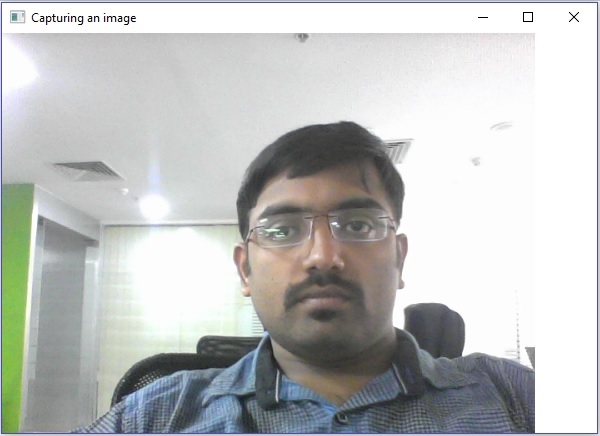
java_opencv
广告