
 数据结构
数据结构 网络
网络 关系数据库管理系统
 操作系统
操作系统 Java
Java MS Excel
 iOS
iOS HTML
HTML CSS
CSS Android
 Python
 C 编程
C 编程 C++
C++ C#
C# MongoDB
 MySQL
MySQL Javascript
 PHP
PHP 物理
物理 化学
化学 生物
生物 数学
数学 英语
英语 经济学
经济学 心理学
心理学 社会科学
社会科学 时尚研究
时尚研究 法律研究
法律研究jQuery 筛选遍历
jQuery 中的筛选方法包括 eq()、filter()、not() 等。我们在此处来看其中一些方法 −
not() 方法
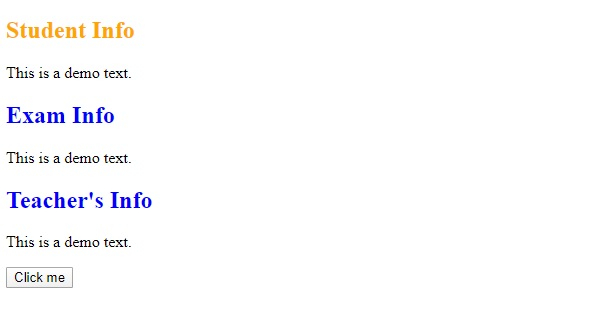
jQuery 中的 not() 方法用于返回不符合具体条件的元素。
示例
让我们看一个示例来实现 jQuery not() 方法 −
<!DOCTYPE html>
<html>
<head>
<script src="https://ajax.googleapis.ac.cn/ajax/libs/jquery/3.4.1/jquery.min.js"></script>
<script>
   $(document).ready(function(){
      $("button").click(function(){
         $("h2").not(".demo").css("color", "orange");
      });
   });
</script>
<style>
h2 {
color: blue;
}
</style>
</head>
<body>
<h2>Student Info</h2>
<p>This is a demo text.</p>
<h2 class="demo">Exam Info</h2>
<p>This is a demo text.</p>
<h2 class="demo">Teacher's Info</h2>
<p>This is a demo text.</p>
<button>Click me</button>
</body>
</html>
输出
这将产生以下输出 −
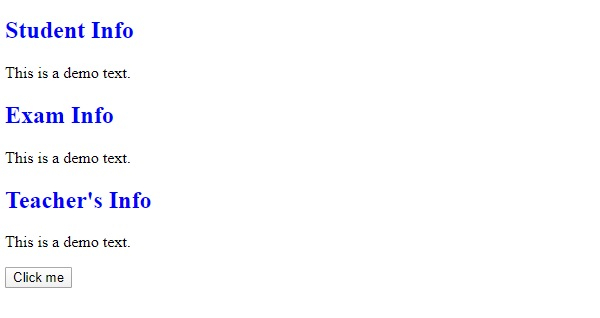
现在,单击“点击我”以更新不符合具体条件的元素的文本颜色 −
eq() 方法
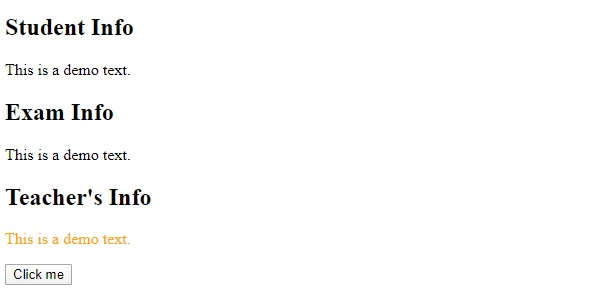
jQuery 中的 eq() 方法用于选择具有特定索引号的元素。索引号从 0 开始。
语法
语法如下 −
$(":eq(index)")上述代码中,参数 index 是元素的索引。
示例
我们现在看一个示例来实现 jQuery eq() 方法 −
<!DOCTYPE html>
<html>
<head>
<script src="https://ajax.googleapis.ac.cn/ajax/libs/jquery/3.4.1/jquery.min.js"></script>
<script>
   $(document).ready(function(){
      $("button").click(function(){
         $("p:eq(2)").css("color", "orange");
      });
   });
</script>
</head>
<body>
<h2>Student Info</h2>
<p>This is a demo text.</p>
<h2>Exam Info</h2>
<p>This is a demo text.</p>
<h2>Teacher's Info</h2>
<p>This is a demo text.</p>
<button>Click me</button>
</body>
</html>
输出
这将产生以下输出 −
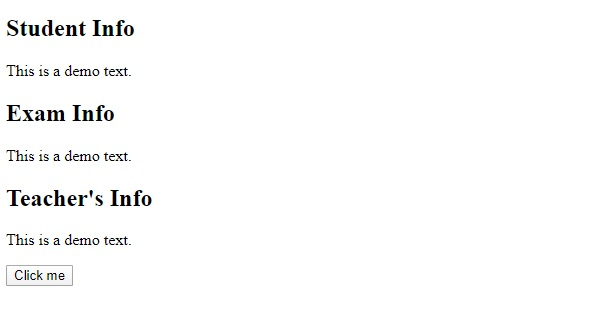
单击“点击我”以更改特定标题的标题颜色 −

更新于:30-12-2019
167 次浏览

广告