
 数据结构
数据结构 网络
网络 RDBMS
RDBMS 操作系统
操作系统 Java
Java MS Excel
 iOS
iOS HTML
HTML CSS
CSS Android
 Python
 C 编程
C 编程 C++
C++ C#
C# MongoDB
 MySQL
MySQL Javascript
 PHP
PHP 物理
物理 化学
化学 生物
生物 数学
数学 英语
英语 经济
经济 心理学
心理学 社会学
社会学 时尚研究
时尚研究 法律研究
法律研究如何将事件绑定到 Tkinter Canvas 项?
Tkinter 事件可与小组件绑定,以便对小组件执行一组操作。更具体地说,我们还可以通过使用bind(<Button>, callback) 方法将事件处理程序绑定到画布项。将事件与画布项绑定使画布项成为动态的,可以由事件处理程序自定义。
示例
#Import the required Libraries
from tkinter import *
import random

#Create an instance of Tkinter frame
win = Tk()

#Set the geometry of the window
win.geometry("700x350")

#Crate a canvas
canvas=Canvas(win,width=700,height=350,bg='white')
def draw_shapes(e):
   canvas.delete(ALL)

canvas.create_oval(random.randint(5,300),random.randint(1,300),25,25,fill='O rangeRed2')
canvas.pack()

#Bind the spacebar Key to a function
win.bind("<space>", draw_shapes)
win.mainloop()
输出
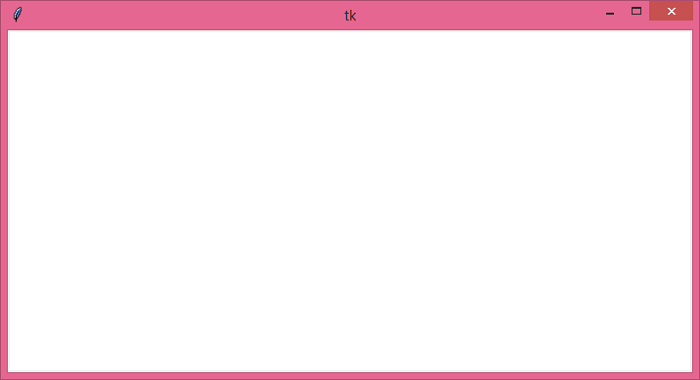
运行上述代码将显示一个包含画布的窗口。
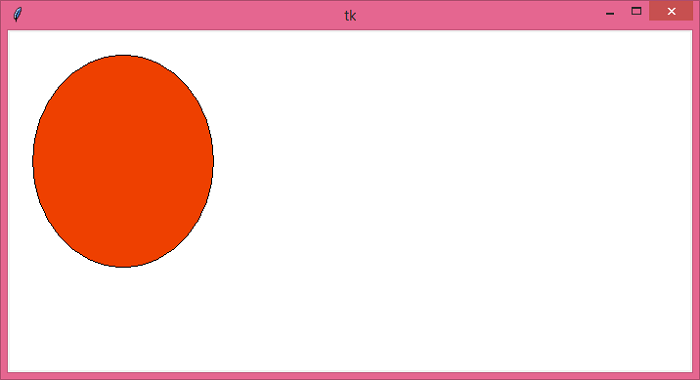
当我们按下 <Space> 键时,它将在画布窗口中生成随机形状。

更新时间:25-5-2021
2K+ 浏览

广告