
 数据结构
数据结构 网络
网络 RDBMS
RDBMS 操作系统
操作系统 Java
Java MS Excel
 iOS
iOS HTML
HTML CSS
CSS Android
 Python
 C 编程
C 编程 C++
C++ C#
C# MongoDB
 MySQL
MySQL Javascript
 PHP
PHP 物理学
物理学 化学
化学 生物学
生物学 数学
数学 英语
英语 经济学
经济学 心理学
心理学 社会研究
社会研究 时尚研究
时尚研究 法律研究
法律研究如何在 Tkinter 中将图像用作背景?
如果我们创建一个 Tkinter 框架实例并在运行时显示窗口,那么它将显示默认输出画布。但是,我们可以使用 PhotoImage 方法和 Canvas 方法在 Tkinter 框架中将图像添加为背景。
由于 Tkinter 中的图像支持仅限于 Gif、PNG 和 PPM,因此 PhotoImage(GIF, PNG, PPM) 函数获取图像文件的位置,并显示具有图像背景的画布。
首先,我们将使用 PhotoImage 函数创建一个 PhotoImage 对象。
示例
from tkinter import *
from PIL import ImageTk

win = Tk()
win.geometry("700x300")

#Define the PhotoImage Constructor by passing the image file
img= PhotoImage(file='down.png', master= win)
img_label= Label(win,image=img)

#define the position of the image
img_label.place(x=0, y=0)

win.mainloop()
输出
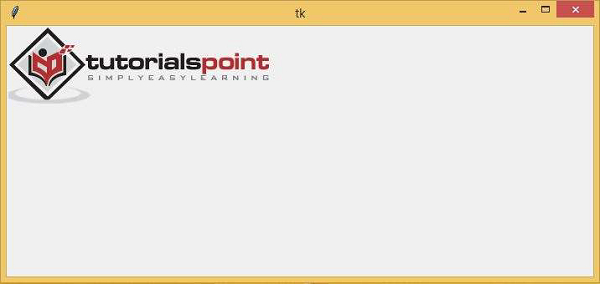
运行上述代码片段将显示一个具有背景图像的窗口。

更新于: 2021 年 3 月 6 日
8K+ 浏览量

广告