
 数据结构
数据结构 网络
网络 RDBMS
RDBMS 操作系统
操作系统 Java
Java MS Excel
 iOS
iOS HTML
HTML CSS
CSS Android
 Python
 C 编程
C 编程 C++
C++ C#
C# MongoDB
 MySQL
MySQL Javascript
 PHP
PHP 物理
物理 化学
化学 生物
生物 数学
数学 英语
英语 经济学
经济学 心理学
心理学 社会科学
社会科学 时尚研究
时尚研究 法律研究
法律研究Python - 用 PyGame 显示图像
Pygame 是一款适用于 Python 的多媒体库,用于制作游戏和多媒体应用程序。在本文中,我们将介绍如何使用 pygame 模块在屏幕上绘制一张图片,同时考虑图像在 pygame 窗口中的高度、宽度和位置。
在下面的程序中,我们初始化 pygame 模块,然后定义图像的模式和标题。接下来,我们加载图像并定义坐标。screen.blit 函数绘制屏幕,而 while 循环会不断监听游戏是否已结束。
示例
import pygame
pygame.init()
w = 300;
h = 300
screen = pygame.display.set_mode((w, h))
pygame.display.set_caption('Tutorialspoint Logo')
TPImage = pygame.image.load("E:\Python3\tutorialspoint.png").convert()
# coordinates of the image
x = 10;
y = 20;
screen.blit(TPImage, (x, y))
# paint screen one time
pygame.display.flip()
running = True
while (running): # loop listening for end of game
   for event in pygame.event.get():
      if event.type == pygame.QUIT:
         running = False
# loop over, quite pygame
pygame.quit()
输出
运行以上代码,我们得到以下结果 −
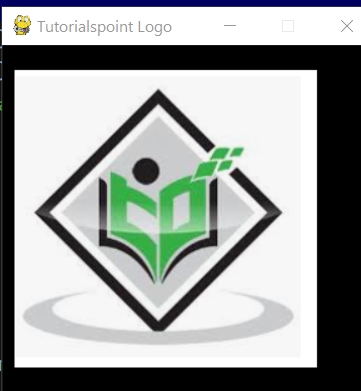

更新于: 2021 年 1 月 25 日
1 千次观看

广告