
 数据结构
数据结构 网络
网络 关系数据库管理系统(RDBMS)
 操作系统
操作系统 Java
Java MS Excel
 iOS
iOS HTML
HTML CSS
CSS Android
 Python
 C语言编程
C语言编程 C++
C++ C#
C# MongoDB
 MySQL
MySQL Javascript
 PHP
PHP 物理学
物理学 化学
化学 生物学
生物学 数学
数学 英语
英语 经济学
经济学 心理学
心理学 社会学
社会学 服装设计
服装设计 法学
法学使用OpenCV与Tkinter
OpenCV是一个Python库,用于处理计算机视觉和其他人工制品。OpenCV具有内置函数和方法,可以访问人工智能和机器学习中的计算机视觉功能。一些OpenCV的示例包括:人脸检测、物体检测、X射线和其他工业用途。
使用Tkinter库,我们可以创建一个交互式应用程序,该应用程序使用OpenCV作为其核心部分。
要创建该应用程序,您需要在本地机器上安装OpenCV,并确保已预安装Python Pillow包。您可以在笔记本中键入以下命令来安装这些包。
pip install open-cv
pip install Pillow
安装完成后,我们可以开始创建应用程序的结构和GUI。我们的应用程序的基本功能是使用OpenCV打开网络摄像头(如果可能)。因此,为了显示每一帧捕获的图像,我们可以使用Python Pillow(PIL)包,它将帧转换为图像。现在,该图像可以在标签小部件中使用,该小部件迭代地显示窗口中捕获的每一帧。
示例
# Import required Libraries
from tkinter import *
from PIL import Image, ImageTk
import cv2

# Create an instance of TKinter Window or frame
win= Tk()

# Set the size of the window
win.geometry("700x350")# Create a Label to capture the Video frames
label =Label(win)
label.grid(row=0, column=0)
cap= cv2.VideoCapture(0)

# Define function to show frame
   def show_frames():
      # Get the latest frame and convert into Image
      cv2image= cv2.cvtColor(cap.read()[1],cv2.COLOR_BGR2RGB)
      img = Image.fromarray(cv2image)

      # Convert image to PhotoImage
      imgtk = ImageTk.PhotoImage(image = img)
      label.imgtk = imgtk
      label.configure(image=imgtk)

# Repeat after an interval to capture continiously
label.after(20, show_frames)

show_frames()
win.mainloop()
输出
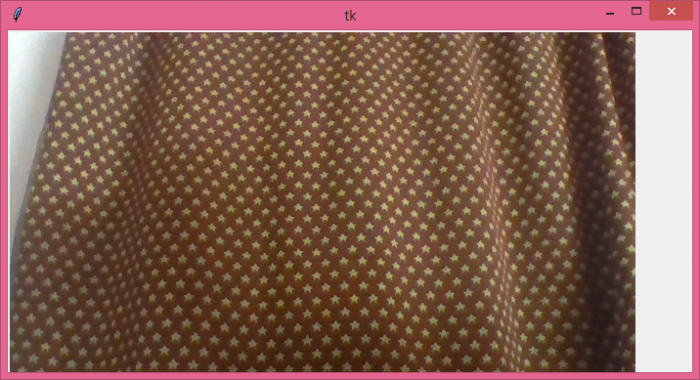
当我们执行上述代码时,它将显示一个窗口,该窗口打开用户摄像头以捕获帧。

更新于:2021年6月7日
7000+ 次浏览

广告