
 数据结构
数据结构 网络
网络 RDBMS
RDBMS 操作系统
操作系统 Java
Java MS Excel
 iOS
iOS HTML
HTML CSS
CSS Android
 Python
 C 编程
C 编程 C++
C++ C#
C# MongoDB
 MySQL
MySQL Javascript
 PHP
PHP 物理
物理 化学
化学 生物
生物 数学
数学 英语
英语 经济
经济 心理学
心理学 社会研究
社会研究 时装研究
时装研究 法律研究
法律研究如何将 Tkinter 按钮状态从禁用更改为正常?
Tkinter 提供 Button 小部件以创建触发事件的按钮。假设我们创建了一个已经在应用程序中禁用的按钮。为了更改按钮的状态,我们可以使用 state 属性。
state 属性用于在应用程序中启用和禁用按钮。为了更改应用程序的状态,我们可以执行两个操作:state=DISABLED 和 state=NORMAL。
示例
#Import the required libraries
from tkinter import *

#Create an instance of tkinter frame
win= Tk()

#Set the geometry of frame
win.geometry("650x450")

#Define a function for Button Object
def quit_win():
   win.destroy()

#Create a button to quit the window
Button(win,text="Quit", command=quit_win, font=('Helvetica bold',20),
state= NORMAL).pack(pady=5)

win.mainloop()
输出 1
按钮被禁用时的输出:

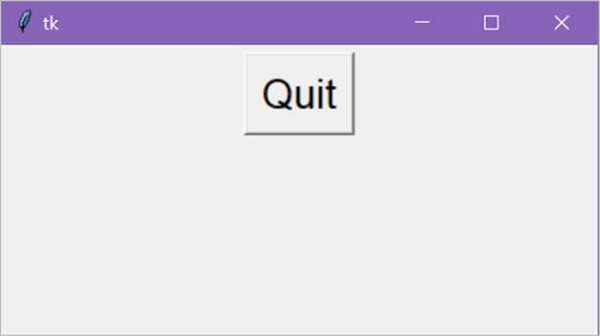
输出 2
当 Button state=NORMAL 时的输出:

更新日期:2021 年 3 月 26 日
953 次浏览

广告