
 数据结构
数据结构 网络
网络 RDBMS
RDBMS 操作系统
操作系统 Java
Java MS Excel
 iOS
iOS HTML
HTML CSS
CSS Android
 Python
 C 编程
C 编程 C++
C++ C#
C# MongoDB
 MySQL
MySQL Javascript
 PHP
PHP 物理
物理 化学
化学 生物
生物 数学
数学 英语
英语 经济学
经济学 心理学
心理学 社会学
社会学 时尚研究
时尚研究 法律研究
法律研究如何在 Tkinter 中获取可滚动画布上的坐标?
画布小组件有两个坐标系统:(a) 窗口坐标系统和 (b) 画布坐标系统。窗口坐标系统总是从窗口中最左角(0,0)开始,而画布坐标系统指定了项目在画布中的实际放置位置。
要将窗口坐标系转换成画布坐标系,我们可以使用以下两种方法:
canvasx(event.x)
canvas(event.y)
如果我们考虑窗口坐标系的情况,那么鼠标事件只发生在窗口坐标系中。我们可以将窗口坐标转换为画布坐标系。
示例
在这个应用程序中,我们将获得画布窗口中鼠标指针的位置。
# Import the required libraries
from tkinter import *

# Create an instance of tkinter frame or window
win = Tk()

# Set the size of the window
win.geometry("700x350")

# Create a canvas widget
canvas = Canvas(win)
canvas.pack()

def on_button_pressed(event):
   start_x = canvas.canvasx(event.x)
   start_y = canvas.canvasy(event.y)
   print("start_x, start_y =", start_x, start_y)

def on_button_motion(event):
   end_x = canvas.canvasx(event.x)
   end_y = canvas.canvasy(event.y)
   print("end_x, end_y=", end_x, end_y)

# Bind the canvas with Mouse buttons
canvas.bind("<Button-1>", on_button_pressed)
canvas.bind("<Button1-Motion>", on_button_motion)

# Add a Label widget in the window
Label(win, text="Move the Mouse Pointer and click " "anywhere on the Canvas").pack()

win.mainloop()
输出
运行以上代码将显示一个窗口。
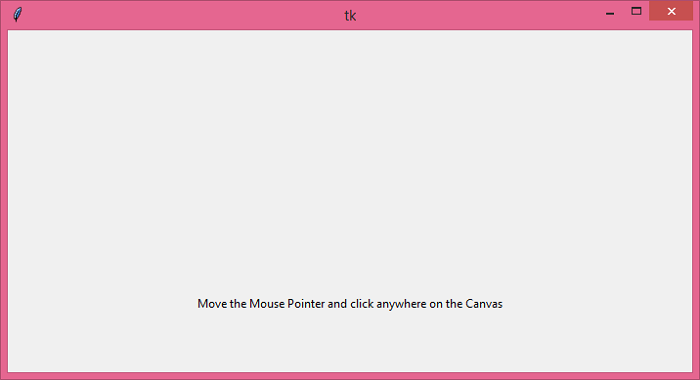
如果我们移动鼠标指针并在画布上的任何位置单击,它将在控制台上打印指针的相对坐标。
start_x, start_y = 340.0 159.0

更新时间: 18-6 月-2021
1000+ 次浏览

广告