
 数据结构
数据结构 网络
网络 关系数据库管理系统
 操作系统
操作系统 Java
Java MS Excel
 iOS
iOS HTML
HTML CSS
CSS Android
 Python
 C 语言编程
 C++
C++ C#
C# MongoDB
 MySQL
MySQL Javascript
 PHP
PHP 物理
物理 化学
化学 生物
生物 数学
数学 英语
英语 经济
经济 心理学
心理学 社会研究
社会研究 时装研究
时装研究 法律研究
法律研究HTML onerror 事件属性
HTML onerror 事件属性在 HTML 文档中加载外部文件时发生错误时触发。
语法
以下是语法 −
<tagname onerror=”script”>Content</tagname>
让我们来看一个 HTML onerror 事件属性的示例 −
示例
<!DOCTYPE html>
<html>
<head>
<style>
   body {
      color: #000;
      height: 100vh;
      background: linear-gradient(62deg, #FBAB7E 0%, #F7CE68 100%) no-repeat;
      text-align: center;
      padding: 20px;
   }
   .btn {
      background: #db133a;
      border: none;
      height: 2rem;
      border-radius: 2px;
      width: 40%;
      display: block;
      color: #fff;
      outline: none;
      cursor: pointer;
      margin: 1rem auto;
   }
</style>
</head>
<body>
<h1>HTML onerror Event Attribute Demo</h1>
<button onclick="add()" class="btn">Add Nature Image</button>
<script>
   function add() {
      var imgEle = document.createElement('IMG');
      imgEle.setAttribute("src", "nature.png");
      imgEle.setAttribute("alt", "nature image");
      imgEle.setAttribute("onerror", "errorFn()");
      document.body.appendChild(imgEle);
   }
   function errorFn() {
      document.body.style.background = "linear-gradient(45deg, #8BC6EC 0%, #9599E2 100%) no-repeat";
      document.body.style.color = "#fff";
   }
</script>
</body>
</html>
输出
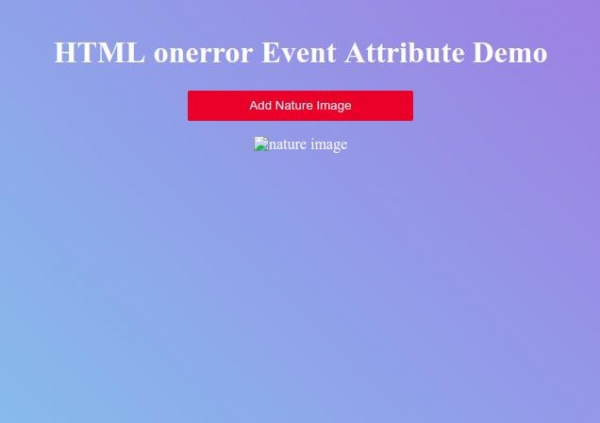
点击“添加自然图片”按钮,创建一个具有错误源属性和 onerror 事件属性的图像元素,然后将其添加到正文元素中。

更新时间:2019 年 9 月 26 日
238 次浏览

广告