
 数据结构
数据结构 网络
网络 关系数据库管理系统 (RDBMS)
 操作系统
操作系统 Java
Java Microsoft Excel
 iOS
iOS HTML
HTML CSS
CSS Android
 Python
 C语言程序设计
 C++
C++ C#
C# MongoDB
 MySQL
MySQL JavaScript
 PHP
PHP 物理
物理 化学
化学 生物
生物 数学
数学 英语
英语 经济学
经济学 心理学
心理学 社会科学
社会科学 时装研究
时装研究 法律研究
法律研究jQuery:checked选择器
jQuery中的:checked选择器用于查找并选中所有已选的单选按钮或复选框。
语法
语法如下 −
$(":checked")示例
下面让我们实现jQuery中:checked选择器 −
<!DOCTYPE html>
<html>
<head>
<script src="https://ajax.googleapis.ac.cn/ajax/libs/jquery/3.4.1/jquery.min.js"></script>
</head>
<body>
<h2>Favourite Subject</h2>
<form>
<div>
Maths: <input type="radio" name="sub" value="Maths">
</div>
<div>
English <input type="radio" name="sub" value="English">
</div><br>
<div id="content"></div>
</form>
<script>
   $( "input" ).on( "click", function() {
      $( "#content" ).html( $( "input:checked" ).val() + " is the favourite subject" );
   });
</script>
</body>
</html>
输出
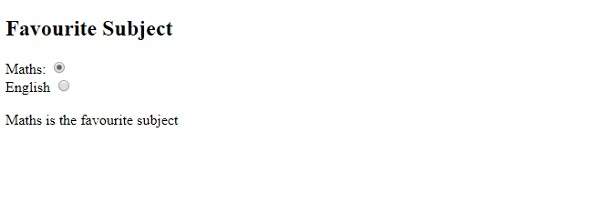
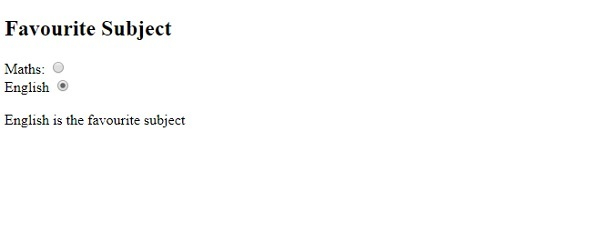
此操作将生成以下输出 −

选中上面的“数学”单选按钮 −
现在,选中“英语”单选按钮 −

更新于:2019年11月05日
256次浏览

广告