
 数据结构
数据结构 网络
网络 关系数据库管理系统
 操作系统
操作系统 Java 语言
 Microsoft Excel
 iOS 系统
 HTML 超文本标记语言
 层叠样式表
层叠样式表 Android 操作系统
 Python 程序设计语言
 C 程序设计语言
 C++ 程序设计语言
 C# 程序设计语言
 MongoDB 数据库
 MySQL 数据库
 JavaScript 脚本语言
 PHP 语言
 物理学
物理学 化学
化学 生物学
生物学 数学
数学 英语
英语 经济学
经济学 心理学
心理学 社会学
社会学 时尚学
时尚学 法学
法学使用 OpenCV 对图像执行反向二进制阈值处理
在本程序中,我们将使用 OpenCV 对图像执行反向二进制阈值处理。阈值处理是一个根据阈值改变每个像素值的过程。
如果像素值低于阈值,则赋予像素一个确定的值;如果像素值高于阈值,则赋予像素一个其他值。在反向二进制阈值处理中,如果像素值低于阈值,则赋予像素最大值,即白色。如果高于阈值,则赋予像素 0,即黑色。
原始图像

算法
Step 1: Import cv2.
Step 2: Define threshold and max_val.
Step 3: Pass these parameters in the cv2.threshold value and specify the type of thresholding you want to do.
Step 4: Display the output.
代码示例
import cv2

image = cv2.imread('testimage.jpg')
threshold_value = 120
max_val = 255

ret, image = cv2.threshold(image, threshold_value, max_val, cv2.THRESH_BINARY_INV)
cv2.imshow('InverseBinaryThresholding', image)
输出
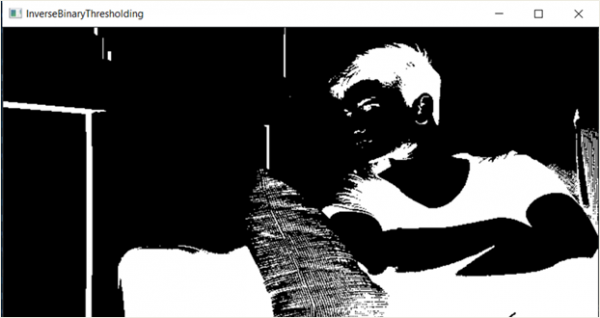
解释
程序中的 ret 变量简单地返回阈值。对于所有小于阈值的像素,将用 max_val (即 255) 替换它们。

更新日期:2021 年 3 月 17 日
1K+ 次浏览

广告