
 数据结构
数据结构 网络
网络 RDBMS
RDBMS 操作系统
操作系统 Java
Java MS Excel
 iOS
iOS HTML
HTML CSS
CSS Android
 Python
 C 编程
C 编程 C++
C++ C#
C# MongoDB
 MySQL
MySQL Javascript
 PHP
PHP 物理
物理 化学
化学 生物
生物 数学
数学 英语
英语 经济
经济 心理学
心理学 社会学
社会学 时装研究
时装研究 法律研究
法律研究使用 OpenCV 为图像执行白色礼帽操作
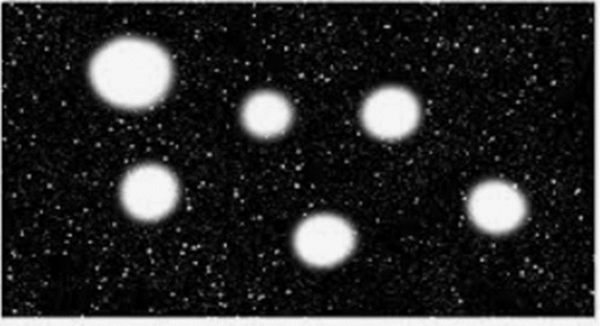
在本程序中,我将对图像执行礼帽操作。礼帽操作是一种形态学操作,用于从给定的图像中提取小元素和细节。礼帽用于在暗背景中增强明亮的物体。我们将使用 morphologyEx(image, cv2.MORPH_TOPHAT, kernel) 函数
原图
算法
Step 1: Import cv2.
Step 2: Read the image.
Step 3: Define the kernel size.
Step 4: Pass the image and kernel to the cv2.morphologyex() function.
Step 5: Display the output.
示例代码
import cv2

image = cv2.imread('tophat.jpg')
filter_size = (5,5)
kernel = cv2.getStructuringElement(cv2.MORPH_RECT, filter_size)
image = cv2.morphologyEx(image, cv2.MORPH_TOPHAT, kernel)
cv2.imshow('TopHat', image)
输出

说明
如你所见,图像的小细节得到增强。礼帽变换可用于从输入图像中获取细微的细节。

更新日期:2021 年 3 月 17 日
548 次阅读

广告