
 数据结构
数据结构 网络
网络 关系型数据库管理系统
 操作系统
操作系统 Java
Java MS Excel
 iOS
iOS HTML
HTML CSS
CSS Android
 Python
 C 语言编程
 C++
C++ C#
C# MongoDB
 MySQL
MySQL Javascript
 PHP
PHP 物理
物理 化学
化学 生物
生物 数学
数学 英语
英语 经济学
经济学 心理学
心理学 社会研究
社会研究 时尚研究
时尚研究 法律研究
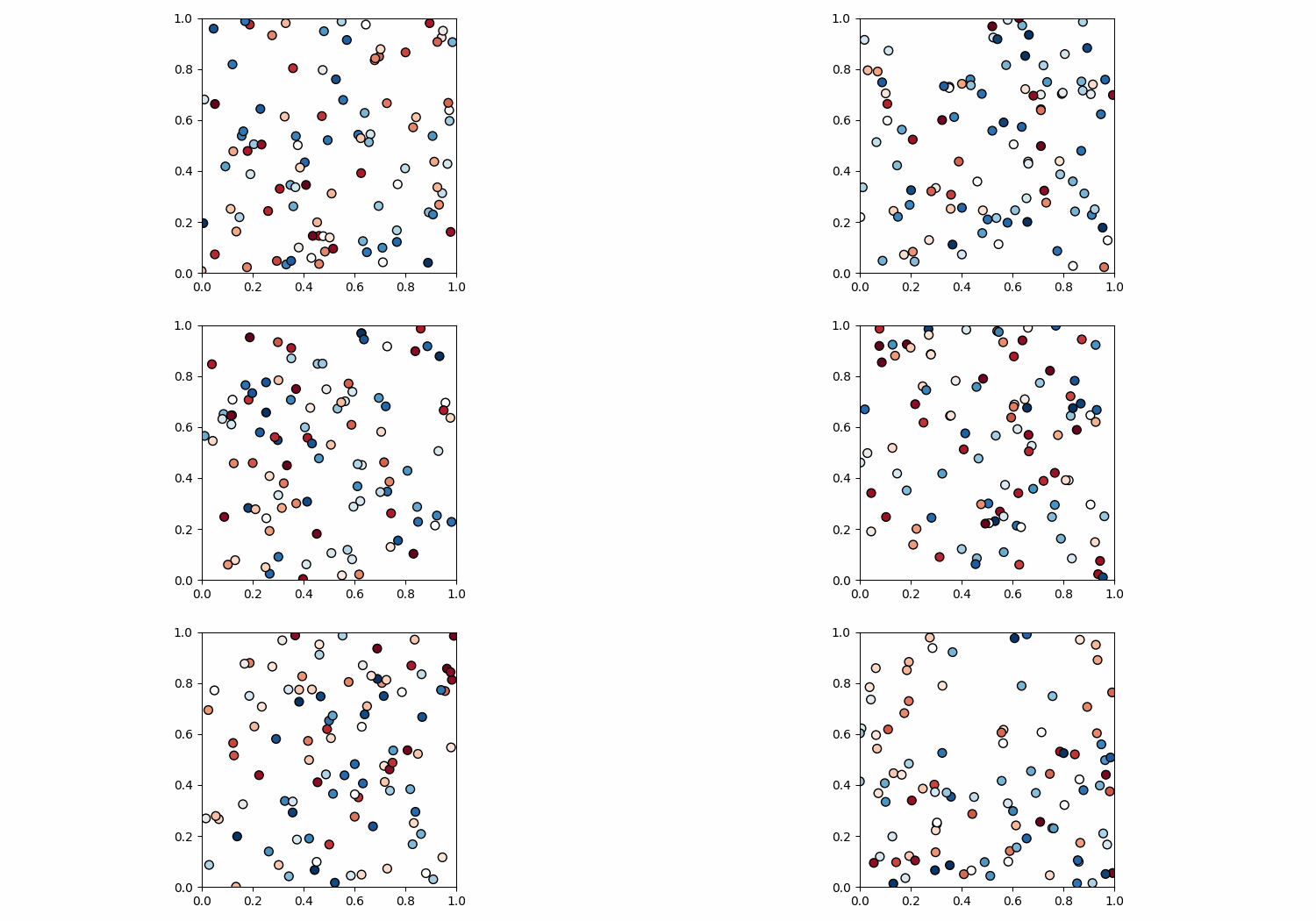
法律研究用 matplotlib 保存散点图动画
若要使用 matplotlib 保存散点图动画,可按以下步骤操作 −
- 设置图形大小,调整子图之间和子图周围的填充。
- 初始化四个变量步骤、节点、位置和解。
- 在列表中追加位置和解的值。
- 创建一个图形和一组子图。
- 为标记大小初始化一个变量。
- 配置网格线。
- 通过重复调用函数 *animate* 创建动画,以清除轴、添加新的轴子图并在轴上绘制散点。
- 将动画散点图另存为 .gif 文件。
示例
import matplotlib.pyplot as plt
import matplotlib.animation as animation
import numpy as np

plt.rcParams["figure.figsize"] = [7.50, 3.50]
plt.rcParams["figure.autolayout"] = True

steps = 50
nodes = 100
positions = []
solutions = []

for i in range(steps):
   positions.append(np.random.rand(2, nodes))
   solutions.append(np.random.random(nodes))

fig, ax = plt.subplots()
   marker_size = 50

def animate(i):
   fig.clear()
   ax = fig.add_subplot(111, aspect='equal', autoscale_on=False, xlim=(0, 1), ylim=(0, 1))
   ax.set_xlim(0, 1)
   ax.set_ylim(0, 1)
   s = ax.scatter(positions[i][0], positions[i][1], s=marker_size, c=solutions[i], cmap="RdBu_r", marker="o", edgecolor='black')

plt.grid(b=None)
ani = animation.FuncAnimation(fig, animate, interval=100, frames=range(steps))

ani.save('animation.gif', writer='pillow')
输出


更新于: 03-08-2021
923 人浏览

广告