
- Blue Prism 教程
- Blue Prism - 主页
- Blue Prism - RPA 简介
- Blue Prism - 简介
- Blue Prism - Object Studio
- Blue Prism - Application Modeller
- Blue Prism - Process Studio
- Blue Prism - 异常处理
- Blue Prism - 工作队列
- Blue Prism - 凭据管理器
- 用户、角色和日志管理
- 电子邮件和界面自动化
- Blue Prism - 调度管理
- Blue Prism 有用资源
- Blue Prism - 快速指南
- Blue Prism - 有用资源
- Blue Prism - 讨论
用户、角色和日志管理
在本章节中,我们将讨论 Blue Prism 环境中的用户、角色和日志管理。
步骤 1
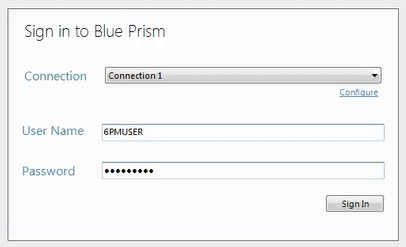
登录 Blue Prism
步骤 2
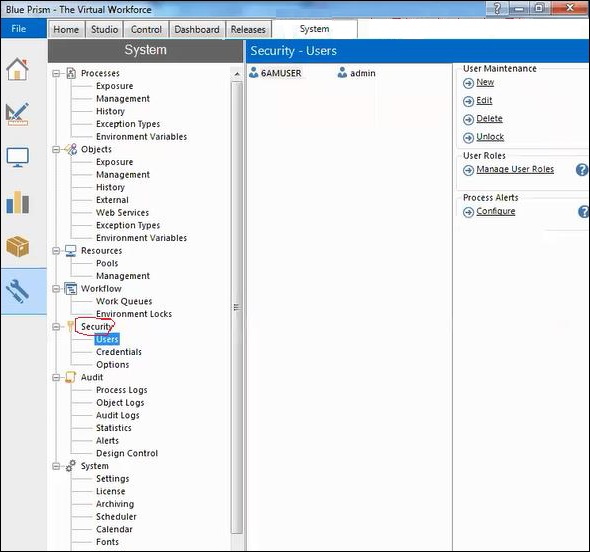
选择系统 → 安全 → 用户
步骤 3
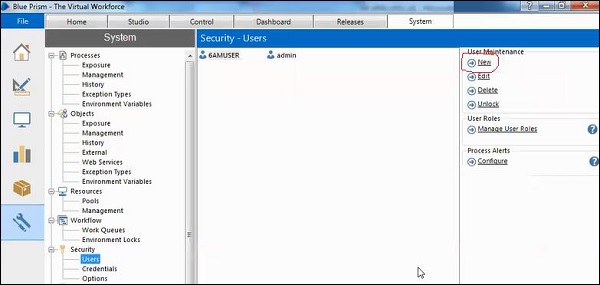
窗口将在右侧打开,我们可以找到新选项,单击该选项。
步骤 4
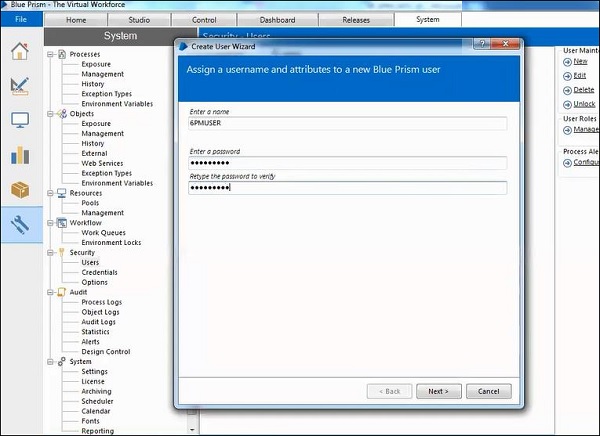
窗口将打开,名称为创建用户向导,输入名称和密码。
步骤 5
单击下一步按钮,一个窗口将会打开,该窗口会提供密码有效期并分配角色。
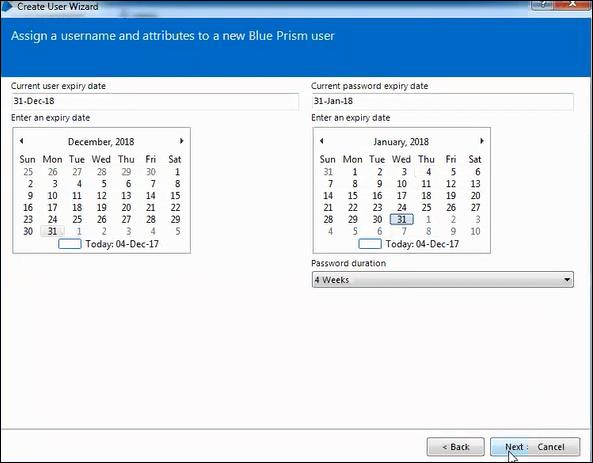
步骤 6
我们授予了访问开发的权限,然后单击完成。
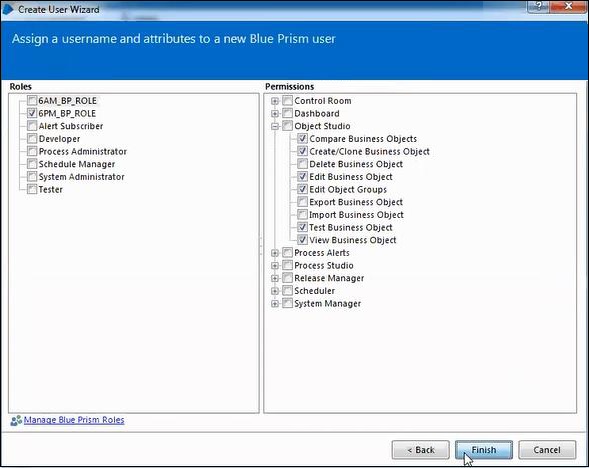
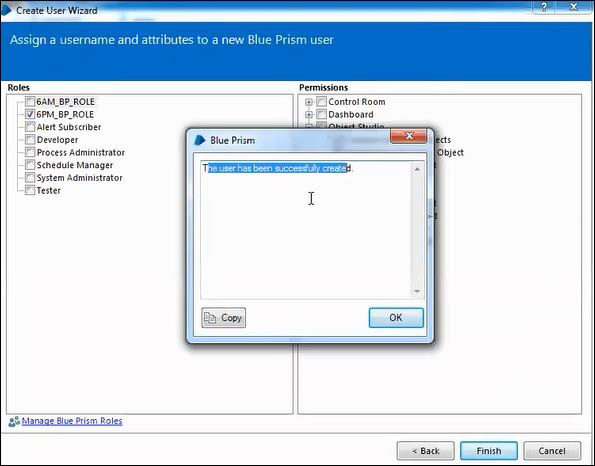
现在以 admin 用户身份注销,然后使用我们创建的用户登录。
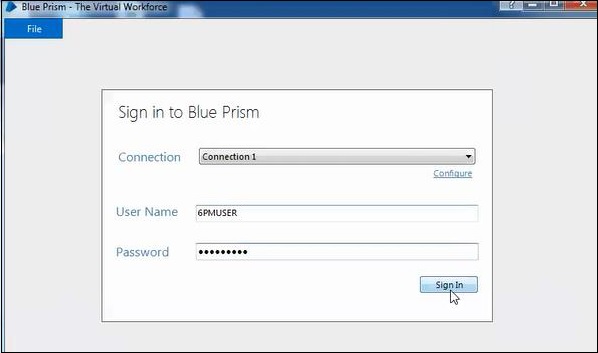
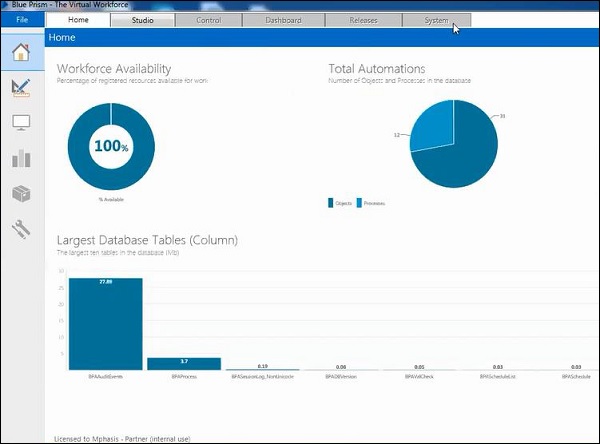
我们可以观察到主页和 Studio 允许访问,因为仅授予访问开发的权限。
广告