
- Next.js 教程
- Next.js - 首页
- Next.js - 概述
- Next.js - 环境设置
- Next.js 特性
- Next.js - 页面
- Next.js - 静态文件提供
- Next.js - 元数据
- Next.js - CSS 支持
- Next.js - 全局 CSS 支持
- Next.js - 预渲染
- Next.js 路由
- Next.js - 路由
- Next.js - 动态 API 路由
- Next.js - 命令式路由
- Next.js - 浅层路由
- Next.js API 路由
- Next.js - API 路由
- Next.js - API 中间件
- Next.js - 响应助手
- Next.js 杂项
- Next.js - Typescript
- Next.js - 环境变量
- Next.js - 部署
- Next.js - CLI
- Next.js 有用资源
- Next.js - 快速指南
- Next.js - 有用资源
- Next.js - 讨论
Next.js - 全局 CSS 支持
在 Next.js 中,我们来创建将在所有页面上应用的全局样式。
在此示例中,我们将创建一个 styles.css,该文件将在所有构件中使用 _app.js 构件。
更新在 CSS 支持 章节中使用的 nextjs 项目。
首先在根级别创建一个 styles 目录,然后添加一个如下所示的 styles.css 文件 −
html,
body {
   padding: 0;
   margin: 0;
   line-height: 1.6;
   font-size: 18px;
   background-color: lime;
}

* {
   box-sizing: border-box;
}

a {
   color: #0070f3;
   text-decoration: none;
}

a:hover {
   text-decoration: underline;
}

img {
   max-width: 100%;
   display: block;
}
在页面目录中创建一个 _app.js 文件
import '../styles/styles.css'

export default function App({ Component, pageProps }) {
   return <Component {...pageProps} />
}
启动 Next.js 服务器
运行以下命令来启动服务器 −.
npm run dev
> nextjs@1.0.0 dev \Node\nextjs
> next

ready - started server on https://:3000
event - compiled successfully
event - build page: /
wait  - compiling...
event - compiled successfully
event - build page: /next/dist/pages/_error
wait  - compiling...
event - compiled successfully
验证输出
在浏览器中打开 localhost:3000,您将看到以下输出。
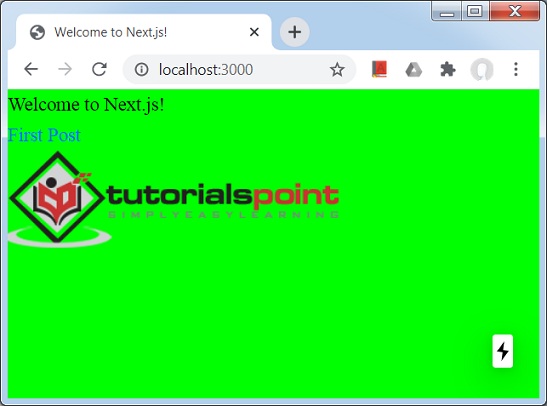
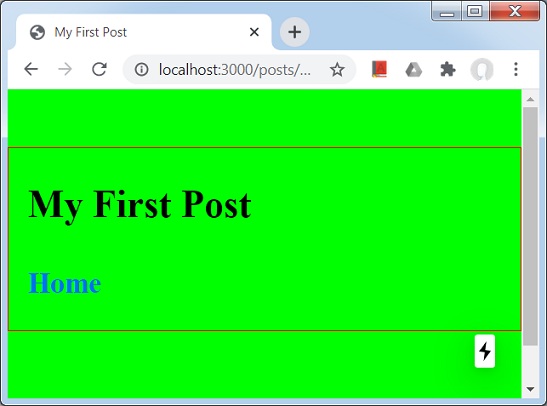
单击第一篇文章链接。
广告