
- ggplot2 教程
- ggplot2 - 首页
- ggplot2 - 简介
- ggplot2 - R 安装
- ggplot2 - R 中默认的绘图
- ggplot2 - 坐标轴操作
- ggplot2 - 图例操作
- ggplot2 - 散点图和抖动图
- ggplot2 - 条形图和直方图
- ggplot2 - 饼图
- ggplot2 - 边际图
- ggplot2 - 气泡图和计数图
- ggplot2 - 发散图
- ggplot2 - 主题
- ggplot2 - 多面板图
- ggplot2 - 多重图
- ggplot2 - 背景颜色
- ggplot2 - 时间序列
- ggplot2 的有用资源
- ggplot2 - 快速指南
- ggplot2 - 有用资源
- ggplot2 - 讨论
ggplot2 - 背景颜色
如以下所示,可以使用一个函数更改绘图的整个外观。但如果你只是想更改面板的背景颜色,可以使用以下内容:
实施面板背景
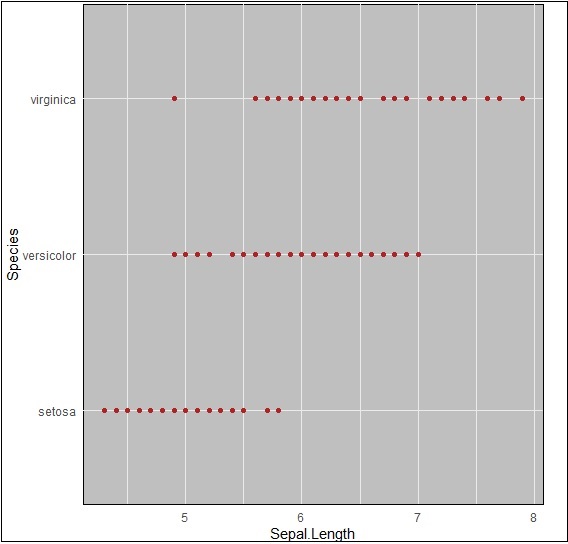
我们可以使用以下命令更改背景颜色,该命令有助于更改面板(panel.background):
> ggplot(iris, aes(Sepal.Length, Species))+geom_point(color="firebrick")+
+ theme(panel.background = element_rect(fill = 'grey75'))
颜色的变化在下面的图片中清楚地显示了:
实施 Panel.grid.major
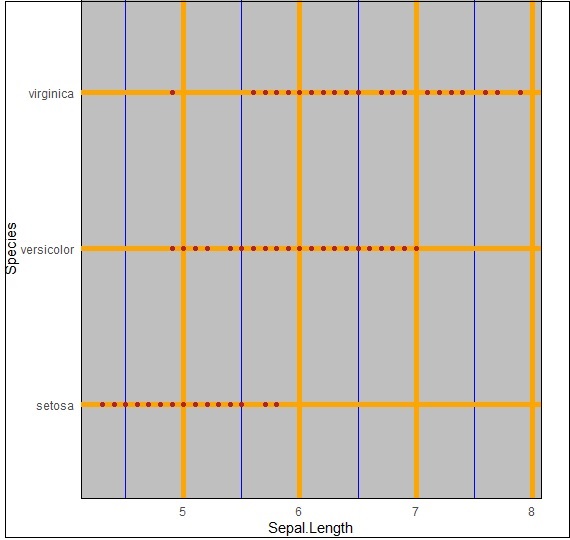
我们可以使用“panel.grid.major”属性更改网格线,如下面的命令中所述:
> ggplot(iris, aes(Sepal.Length, Species))+geom_point(color="firebrick")+
+    theme(panel.background = element_rect(fill = 'grey75'),
+    panel.grid.major = element_line(colour = "orange", size=2),
+    panel.grid.minor = element_line(colour = "blue"))
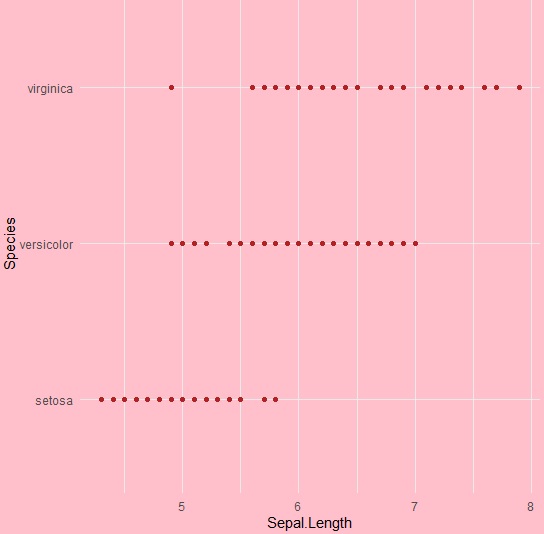
我们甚至可以使用“plot.background”属性更改绘图背景,特别是排除面板,如下所示:
ggplot(iris, aes(Sepal.Length, Species))+geom_point(color="firebrick")+
+   theme(plot.background = element_rect(fill = 'pink'))
广告