
- Koa.js 教程
- Koa.js - 主页
- Koa.js - 概述
- Koa.js - 环境
- Koa.js - Hello,World!
- Koa.js - 生成器
- Koa.js - 路由
- Koa.js - url 生成
- Koa.js - http 方法
- Koa.js - 请求对象
- Koa.js - 响应对象
- Koa.js - 重定向
- Koa.js - 错误处理
- Koa.js - 级联
- Koa.js - 模板
- Koa.js - 表单数据
- Koa.js - 文件上传
- Koa.js - 静态文件
- Koa.js - Cookie
- Koa.js - 会话
- Koa.js - 认证
- Koa.js - 压缩
- Koa.js - 缓存
- Koa.js - 数据库
- Koa.js - RESTful API
- Koa.js - 日志
- Koa.js - 脚手架
- Koa.js - 资源
- Koa.js 有用资源
- Koa.js - 快速指南
- Koa.js - 有用资源
- Koa.js - 讨论
Koa.js - 路由
Web 框架在不同的路由上提供资源,例如 HTML 页面、脚本、图像等。Koa 在核心模块中不支持路由。我们需要使用 koa-router 模块轻松在 Koa 中创建路由。使用以下命令安装此模块。
npm install --save koa-router
现在我们已安装 koa-router,让我们看一个简单的 GET 路由示例。
var koa = require('koa');
var router = require('koa-router');
var app = koa();

var _ = router();              //Instantiate the router
_.get('/hello', getMessage);   // Define routes

function *getMessage() {
   this.body = "Hello world!";
};

app.use(_.routes());           //Use the routes defined using the router
app.listen(3000);
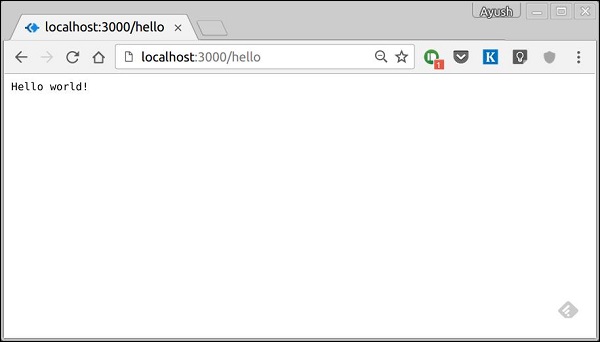
如果我们运行我们的应用程序并访问 localhost:3000/hello,服务器将在路由“/hello”接收到一个 GET 请求。我们的 Koa 应用程序执行附加到此路由的回调函数,并发送“Hello, World!”作为响应。
我们还可以在同一路由有多个不同的方法。例如,
var koa = require('koa');
var router = require('koa-router');
var app = koa();

var _ = router(); //Instantiate the router

_.get('/hello', getMessage);
_.post('/hello', postMessage);

function *getMessage() {
	this.body = "Hello world!";
};
function *postMessage() {
   this.body = "You just called the post method at '/hello'!\n";
};
app.use(_.routes()); //Use the routes defined using the router
app.listen(3000);
要测试此请求,请打开您的终端并使用 cURL 执行以下请求
curl -X POST "https://:3000/hello"

express 提供了一个特殊的方法all,使用相同函数在特定路由处理所有类型的 HTTP 方法。要使用此方法,请尝试以下操作 -
_.all('/test', allMessage);

function *allMessage(){
   this.body = "All HTTP calls regardless of the verb will get this response";
};
广告