
 数据结构
数据结构 网络
网络 关系型数据库管理系统
 操作系统
操作系统 Java
Java MS Excel
 iOS
iOS HTML
HTML CSS
CSS Android
 Python
 C 编程
C 编程 C++
C++ C#
C# MongoDB
 MySQL
MySQL Javascript
 PHP
PHP 物理
物理 化学
化学 生物
生物 数学
数学 英语
英语 经济学
经济学 心理学
心理学 社会学
社会学 服装设计
服装设计 法律研究
法律研究解释 React Native 中动画的工作原理?
React Native 提供了一个 Animation 组件,有助于为可用的组件添加更多交互性。Animation 组件可用于为 View、Text、Image、ScrollView、FlatList 和 SectionList 添加动画。
React Native 提供两种类型的动画:
- Animated API
- LayoutAnimation
Animated API
Animated API 帮助根据输入/输出提供基于时间的动画。在本例中,我们将使用 Animated Timing API 动态更改框的宽度和高度。
要使用动画,请导入组件,如下所示:
import { Animated } from 'react-native'要使用 Animation,我们需要先对其进行配置,如下所示:
Animated.timing() 函数使用缓动函数,并且给定的值在时间上是动画化的。使用的默认缓动函数是 easeInOut,您可以使用不同的函数或定义自己的函数。
Animated.timing() 函数的结构如下:
Animated.timing(animateparam, {
   toValue: 100,
   easing: easingfunc,
   duration: timeinseconds
}).start();
在本例中,我们将对 View 的宽度和高度进行动画处理,因此我首先将其初始化如下:
animatedWidth 和 animatedHeight 在 componentWillMount 中初始化,如下所示:
componentWillMount = () => {
   this.animatedWidth = new Animated.Value(50)
   this.animatedHeight = new Animated.Value(100)
}
稍后添加 Animated.timing 函数,如下所示:
Animated.timing(this.animatedWidth, {
   toValue: 200,
   duration: 1000
}).start()
Animated.timing(this.animatedHeight, {
   toValue: 500,
   duration: 500
}).start()
动画
TouchableOpacity 组件用于 onPress,当按下该组件时,将调用函数 this.animatedBox,该函数包含 Animated.timing 函数,该函数将执行动画。当按下 TouchableOpacity 组件时,View 的宽度和高度将发生变化。
示例
import React, { Component } from 'react'
import { View, StyleSheet, Animated, TouchableOpacity } from 'react-native'
class Animations extends Component {
   componentWillMount = () => {
      this.animatedWidth = new Animated.Value(50)
      this.animatedHeight = new Animated.Value(100)
   }
   animatedBox = () => {
      Animated.timing(this.animatedWidth, {
      toValue: 200,
      duration: 1000
   }).start()
   Animated.timing(this.animatedHeight, {
      toValue: 500,
      duration: 500
   }).start()
}
render() {
   const animatedStyle = { width: this.animatedWidth, height:
   this.animatedHeight }
   return (
      <TouchableOpacity style = {styles.container} onPress =
         {this.animatedBox}>
      <Animated.View style = {[styles.box, animatedStyle]}/>
         </TouchableOpacity>
      )
   }
}
export default Animations
const styles = StyleSheet.create({
   container: {
      padding:100,
      justifyContent: 'center',
      alignItems: 'center'
   },
   box: {
      backgroundColor: 'gray',
      width: 50,
      height: 100
   }
})
输出
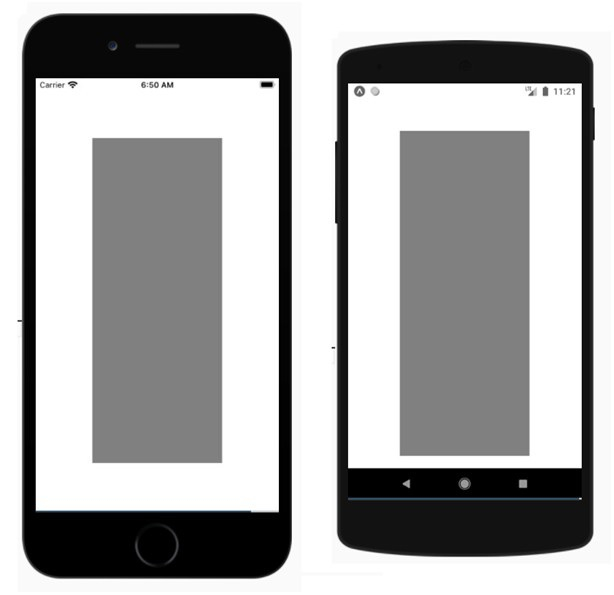
以下是 iOS 和 Android 设备上的视图:

触摸灰色矩形框以查看其动画:
LayoutAnimation API
与 Animated API 相比,LayoutAnimation 提供了更多控制,并允许您全局配置用于下一个渲染/布局周期的视图中的创建和更新动画。
要使用 LayoutAnimation API,您需要按如下方式导入它:
import { LayoutAnimation } from 'react-native';:示例:使用 LayoutAnimation
要使 LayoutAnimation 在 Android 上工作,您需要添加以下行:
UIManager.setLayoutAnimationEnabledExperimental &&
UIManager.setLayoutAnimationEnabledExperimental(true);
import React from 'react';
import {
   NativeModules,
   LayoutAnimation,
   Text,
   TouchableOpacity,
   StyleSheet,
   View,
} from 'react-native';
const { UIManager } = NativeModules;
UIManager.setLayoutAnimationEnabledExperimental &&
UIManager.setLayoutAnimationEnabledExperimental(true);
export default class App extends React.Component {
   state = {
      w: 50,
      h: 50,
   };
   animatecircle = () => {
      LayoutAnimation.spring();
      this.setState({w: this.state.w + 10, h: this.state.h + 10})
   }
   render() {
      return (
         <TouchableOpacity style = {styles.container} onPress={this.animatecircle}>
            <View style={[styles.circle, {width: this.state.w, height: this.state.h}]} />
               </TouchableOpacity>
         );
      }
   }
   const styles = StyleSheet.create({
      container: {
         flex: 1,
         alignItems: 'center',
         justifyContent: 'center',
   },
   circle: {
      width: 200,
      height: 200,
      borderRadius: '50%',
      backgroundColor: 'green',
   },
});
输出
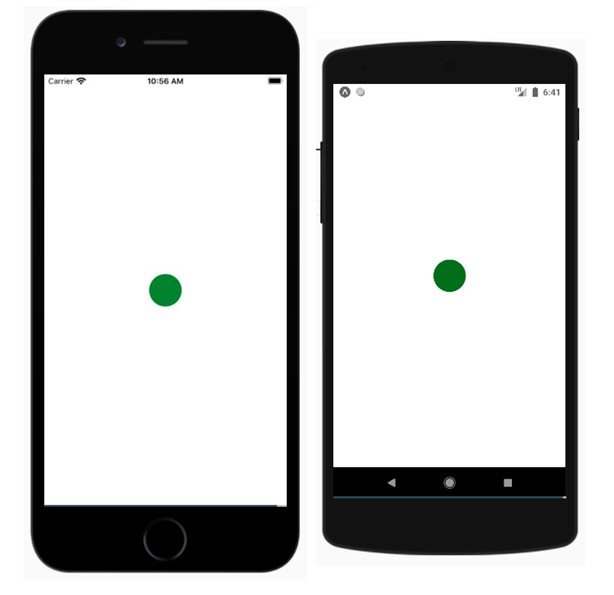
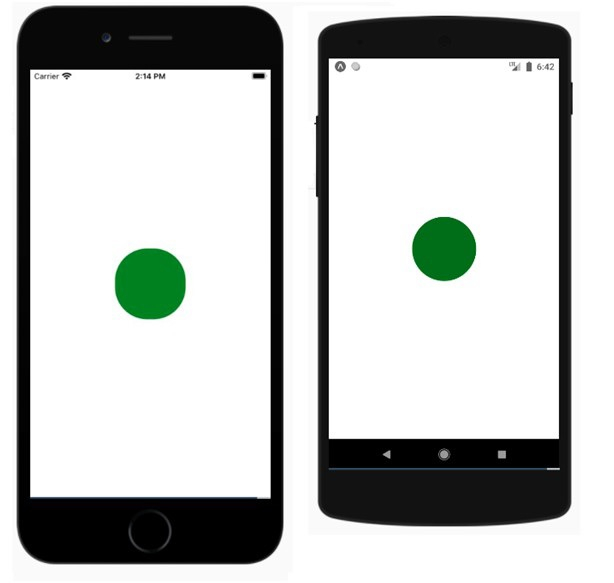
点击圆圈并查看其动画。

333 次浏览
