- HTML Canvas 教程
- HTML Canvas - 首页
- HTML Canvas - 简介
- 环境设置
- HTML Canvas - 第一个应用程序
- HTML Canvas - 绘制 2D 形状
- HTML Canvas - 路径元素
- 使用路径元素的 2D 形状
- HTML Canvas - 颜色
- HTML Canvas - 添加样式
- HTML Canvas - 添加文本
- HTML Canvas - 添加图像
- HTML Canvas - Canvas 时钟
- HTML Canvas - 变换
- 合成和剪裁
- HTML Canvas - 基本动画
- 高级动画
- HTML Canvas API 函数
- HTML Canvas - 元素
- HTML Canvas - 矩形
- HTML Canvas - 线
- HTML Canvas - 路径
- HTML Canvas - 文本
- HTML Canvas - 颜色和样式
- HTML Canvas - 图像
- HTML Canvas - 阴影和变换
- HTML Canvas 有用资源
- HTML Canvas - 快速指南
- HTML Canvas - 有用资源
- HTML Canvas - 讨论
HTML Canvas - globalCompositeOperation 属性
HTML Canvas 的globalCompositeOperation属性是 Canvas 2D API 的一部分,用于设置在 Canvas 元素上绘制形状时要应用的合成操作。
它属于CanvasRenderingContext2D接口,并且合成操作只能设置到绘制到 Canvas 上的 2D 形状。
可能的输入值
以下是您可以设置为该属性值的预定义常量列表:
| 序号 | 值和描述 |
|---|---|
| 1 | source-over 它用于在一个 Canvas 元素上现有的其他内容上绘制一个形状。 |
| 2 | source-in 它用于在画布上插入重叠的图形。 |
| 3 | source-out 仅当图形不重叠时才呈现。其余部分变为透明。 |
| 4 | source-atop 新形状与 Canvas 上下文重叠。 |
| 5 | destination-over 新形状通常渲染在现有内容的后面。 |
| 6 | destination-in 当新形状不重叠时,现有内容变为透明。 |
| 7 | destination-out 当形状之间没有重叠时,保留现有内容。 |
| 8 | destination-atop 仅当与新形状重叠时才保留现有内容。新形状绘制在内容的后面。 |
| 9 | lighter 颜色由形状重叠的区域确定。 |
| 10 | copy 仅显示特定的形状。 |
| 11 | xor 形状重叠的区域变为透明。 |
| 12 | multiply 根据顶层和底层像素相乘。图片变得更暗。 |
| 13 | screen 像素反转,相乘,然后再次反转。结果图片变亮。 |
| 14 | overlay 它形成一个结果,该结果使用“multiply”和“screen”这两个值。 |
| 15 | darken 调用此值时,它会保留可用图层中最暗的像素。 |
| 16 | lighten 调用此值时,它会使可用图层中最暗的像素变亮。 |
| 17 | color-dodge 它将底层除以反转的顶层。 |
| 18 | color-burn 它将反转的底层除以顶层,然后在显示之前反转所有内容。 |
| 19 | hard-light 它是 multiply 和 screen 的组合,但顶层和底层已交换。 |
| 20 | soft-light 调用此值时,它会返回硬光的柔和版本。 |
| 21 | difference 减去颜色代码,使差异为正,并通过更改颜色代码来返回它。 |
| 22 | exclusion 它类似于差异,但对比度降低了。 |
| 23 | hue 色相应用于 Canvas 元素中的顶层内容。 |
| 24 | saturation 饱和度(色度)应用于 Canvas 元素内的顶层。 |
| 25 | color 通过应用色相和饱和度效果来更改形状的颜色。 |
| 26 | luminosity 当给出此属性值时,Canvas 元素内的顶层的亮度会发生变化。 |
示例
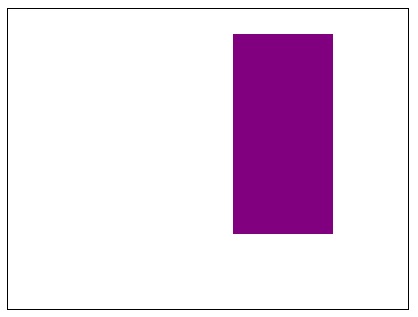
以下示例使用 HTML Canvas 的globalCompositeOperation属性,对两个带条纹的矩形演示“source-out”值。
<!DOCTYPE html>
<html lang="en">
<head>
   <title>Reference API</title>
   <style>
      body {
         margin: 10px;
         padding: 10px;
      }
   </style>
</head>
<body>
   <canvas id="canvas" width="400" height="300" style="border: 1px solid black;"></canvas>
   <script>
      var canvas = document.getElementById('canvas');
      var context = canvas.getContext('2d');
      context.globalCompositeOperation = 'source-out';
      context.fillStyle = 'blue';
      context.fillRect(25, 25, 200, 200);
      context.fill();
      context.fillStyle = 'purple';
      context.fillRect(175, 25, 150, 200);
      context.fill();
   </script>
</body>
</html>
输出
应用属性之前的矩形为:
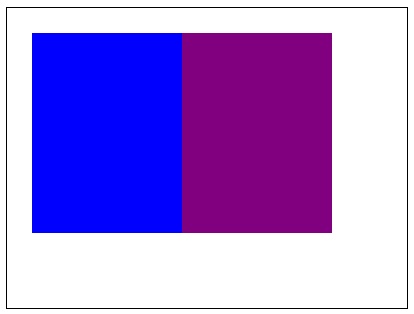
上述代码在网页上返回的输出为:
示例
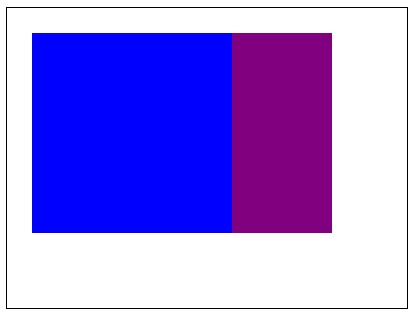
以下示例使用 Canvas 元素上下文对象,使用“destination-over”值应用globalCompositeOperation属性。
<!DOCTYPE html>
<html lang="en">
<head>
   <title>Reference API</title>
   <style>
      body {
         margin: 10px;
         padding: 10px;
      }
   </style>
</head>
<body>
   <canvas id="canvas" width="400" height="300" style="border: 1px solid black;"></canvas>
   <script>
      var canvas = document.getElementById('canvas');
      var context = canvas.getContext('2d');
      context.globalCompositeOperation = 'destination-over';
      context.fillStyle = 'blue';
      context.fillRect(25, 25, 200, 200);
      context.fill();
      context.fillStyle = 'purple';
      context.fillRect(175, 25, 150, 200);
      context.fill();
   </script>
</body>
</html>
输出
应用属性之前的矩形为:
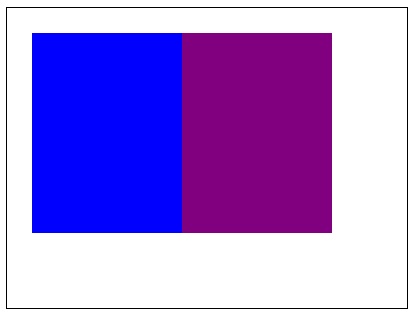
上述代码在网页上返回的输出为:
示例
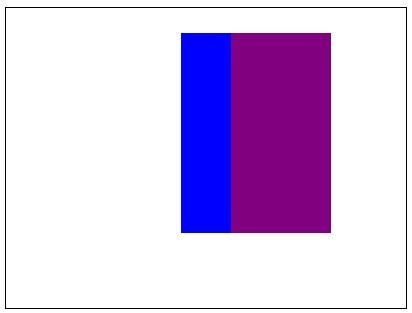
以下示例使用 Canvas 元素上下文对象,使用“destination-atop”值应用globalCompositeOperation属性。
<!DOCTYPE html>
<html lang="en">
<head>
   <title>Reference API</title>
   <style>
      body {
         margin: 10px;
         padding: 10px;
      }
   </style>
</head>
<body>
   <canvas id="canvas" width="400" height="300" style="border: 1px solid black;"></canvas>
   <script>
      var canvas = document.getElementById('canvas');
      var context = canvas.getContext('2d');
      context.globalCompositeOperation = 'destination-atop';
      context.fillStyle = 'blue';
      context.fillRect(25, 25, 200, 200);
      context.fill();
      context.fillStyle = 'purple';
      context.fillRect(175, 25, 150, 200);
      context.fill();
   </script>
</body>
</html>
上述代码在网页上返回的输出为:
示例
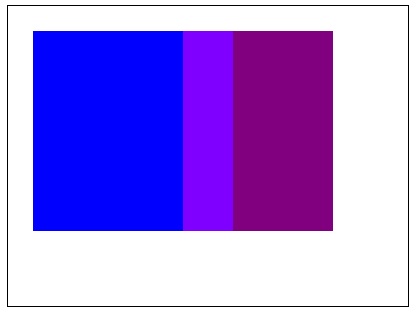
以下示例使用 Canvas 元素上下文对象,使用“lighter”值应用globalCompositeOperation属性。
<!DOCTYPE html>
<html lang="en">
<head>
   <title>Reference API</title>
   <style>
      body {
         margin: 10px;
         padding: 10px;
      }
   </style>
</head>
<body>
   <canvas id="canvas" width="400" height="300" style="border: 1px solid black;"></canvas>
   <script>
      var canvas = document.getElementById('canvas');
      var context = canvas.getContext('2d');
      context.globalCompositeOperation = 'lighter';
      context.fillStyle = 'blue';
      context.fillRect(25, 25, 200, 200);
      context.fill();
      context.fillStyle = 'purple';
      context.fillRect(175, 25, 150, 200);
      context.fill();
   </script>
</body>
</html>
输出
应用属性之前的矩形为:
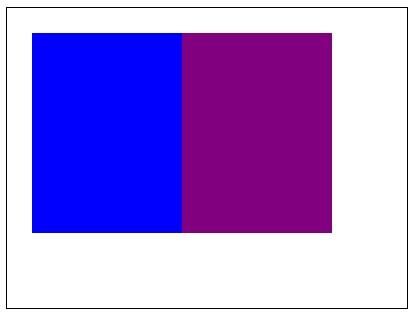
上述代码在网页上返回的输出为:
示例
以下示例使用 Canvas 元素上下文对象,使用“xor”值应用globalCompositeOperation属性。
<!DOCTYPE html>
<html lang="en">
<head>
   <title>Reference API</title>
   <style>
      body {
         margin: 10px;
         padding: 10px;
      }
   </style>
</head>
<body>
   <canvas id="canvas" width="400" height="300" style="border: 1px solid black;"></canvas>
   <script>
      var canvas = document.getElementById('canvas');
      var context = canvas.getContext('2d');
      context.globalCompositeOperation = 'xor';
      context.fillStyle = 'blue';
      context.fillRect(25, 25, 200, 200);
      context.fill();
      context.fillStyle = 'purple';
      context.fillRect(175, 25, 150, 200);
      context.fill();
   </script>
</body>
</html>
输出
应用属性之前的矩形为:
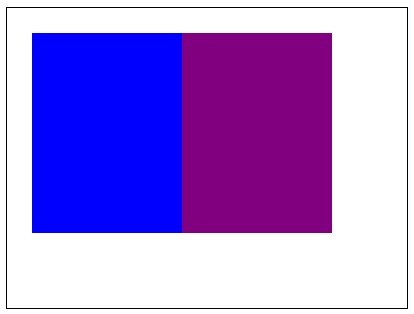
上述代码在网页上返回的输出为:
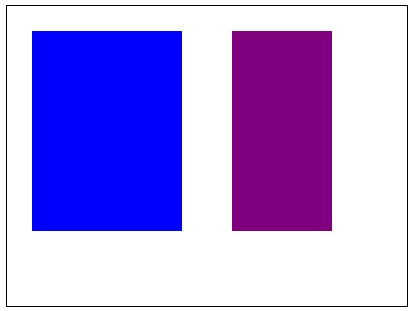
示例
以下示例使用 Canvas 元素上下文对象,使用“multiply”值应用globalCompositeOperation属性。
<!DOCTYPE html>
<html lang="en">
<head>
   <title>Reference API</title>
   <style>
      body {
         margin: 10px;
         padding: 10px;
      }
   </style>
</head>
<body>
   <canvas id="canvas" width="400" height="300" style="border: 1px solid black;"></canvas>
   <script>
      var canvas = document.getElementById('canvas');
      var context = canvas.getContext('2d');
      context.globalCompositeOperation = 'multiply';
      context.fillStyle = 'blue';
      context.fillRect(25, 25, 200, 200);
      context.fill();
      context.fillStyle = 'purple';
      context.fillRect(175, 25, 150, 200);
      context.fill();
   </script>
</body>
</html>
输出
应用属性之前的矩形为:
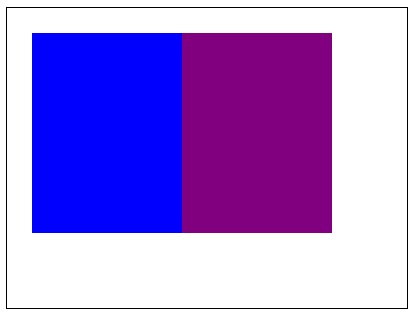
上述代码在网页上返回的输出为:
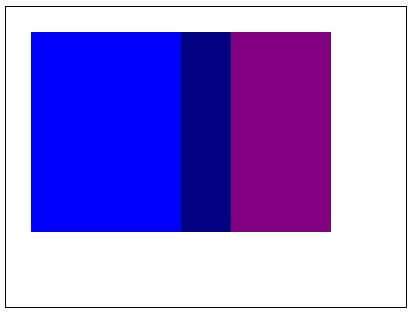
示例
以下示例使用 Canvas 元素上下文对象,使用“screen”值应用globalCompositeOperation属性。
<!DOCTYPE html>
<html lang="en">
<head>
   <title>Reference API</title>
   <style>
      body {
         margin: 10px;
         padding: 10px;
      }
   </style>
</head>
<body>
   <canvas id="canvas" width="400" height="300" style="border: 1px solid black;"></canvas>
   <script>
      var canvas = document.getElementById('canvas');
      var context = canvas.getContext('2d');
      context.globalCompositeOperation = 'screen';
      context.fillStyle = 'blue';
      context.fillRect(25, 25, 200, 200);
      context.fill();
      context.fillStyle = 'purple';
      context.fillRect(175, 25, 150, 200);
      context.fill();
   </script>
</body>
</html>
输出
应用属性之前的矩形为:
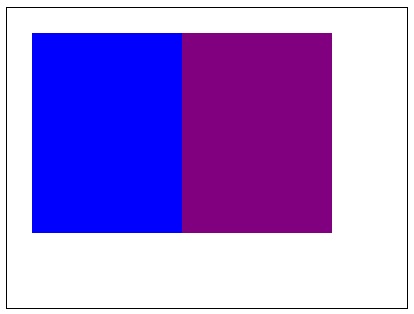
上述代码在网页上返回的输出为:
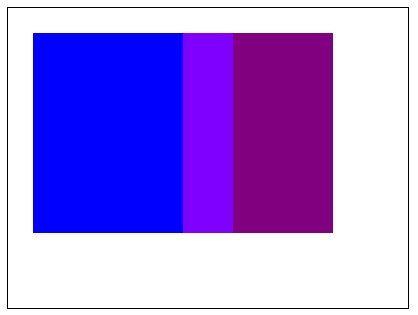
示例
以下示例使用 Canvas 元素上下文对象,使用“difference”值应用globalCompositeOperation属性。它在重合区域返回相同的颜色。
<!DOCTYPE html>
<html lang="en">
<head>
   <title>Reference API</title>
   <style>
      body {
         margin: 10px;
         padding: 10px;
      }
   </style>
</head>
<body>
   <canvas id="canvas" width="400" height="300" style="border: 1px solid black;"></canvas>
   <script>
      var canvas = document.getElementById('canvas');
      var context = canvas.getContext('2d');
      context.globalCompositeOperation = 'difference';
      context.fillStyle = 'blue';
      context.fillRect(25, 25, 200, 200);
      context.fill();
      context.fillStyle = 'purple';
      context.fillRect(175, 25, 150, 200);
      context.fill();
   </script>
</body>
</html>
输出
应用属性之前的矩形为:
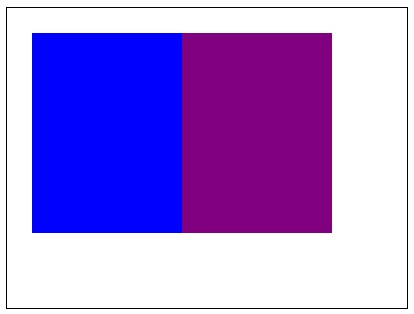
上述代码在网页上返回的输出为:
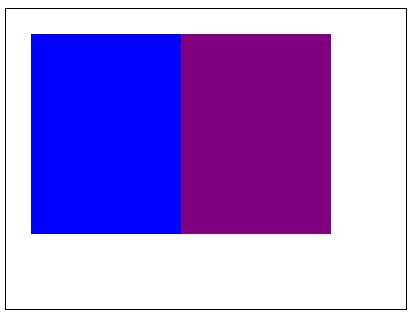
示例
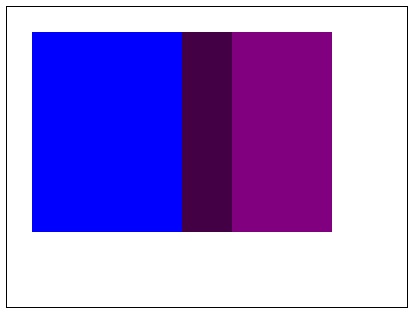
以下示例使用 Canvas 元素上下文对象,使用“hue”值应用globalCompositeOperation属性。
<!DOCTYPE html>
<html lang="en">
<head>
   <title>Reference API</title>
   <style>
      body {
         margin: 10px;
         padding: 10px;
      }
   </style>
</head>
<body>
   <canvas id="canvas" width="400" height="300" style="border: 1px solid black;"></canvas>
   <script>
      var canvas = document.getElementById('canvas');
      var context = canvas.getContext('2d');
      context.globalCompositeOperation = 'hue';
      context.fillStyle = 'blue';
      context.fillRect(25, 25, 200, 200);
      context.fill();
      context.fillStyle = 'purple';
      context.fillRect(175, 25, 150, 200);
      context.fill();
   </script>
</body>
</html>
输出
应用属性之前的矩形为:
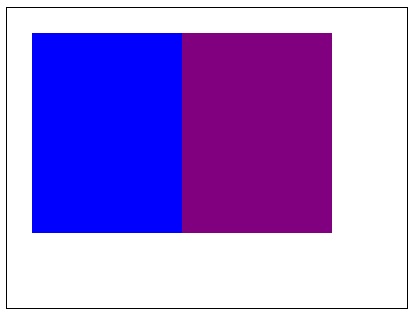
上述代码在网页上返回的输出为:
示例
以下示例使用 Canvas 元素上下文对象,使用“luminosity”值应用globalCompositeOperation属性。
<!DOCTYPE html>
<html lang="en">
<head>
   <title>Reference API</title>
   <style>
      body {
         margin: 10px;
         padding: 10px;
      }
   </style>
</head>
<body>
   <canvas id="canvas" width="400" height="300" style="border: 1px solid black;"></canvas>
   <script>
      var canvas = document.getElementById('canvas');
      var context = canvas.getContext('2d');
      context.globalCompositeOperation = 'luminosity';
      context.fillStyle = 'blue';
      context.fillRect(25, 25, 200, 200);
      context.fill();
      context.fillStyle = 'purple';
      context.fillRect(175, 25, 150, 200);
      context.fill();
   </script>
</body>
</html>
输出
应用属性之前的矩形为:
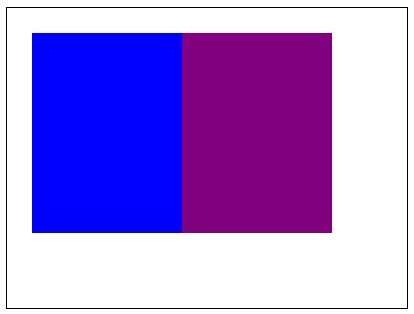
上述代码在网页上返回的输出为: