
- Pygame 教程
- Pygame - 首页
- Pygame - 概述
- Pygame - Hello World
- Pygame - 显示模式
- Pygame - Locals 模块
- Pygame - 颜色对象
- Pygame - 事件对象
- Pygame - 键盘事件
- Pygame - 鼠标事件
- Pygame - 绘制形状
- Pygame - 加载图像
- Pygame - 在窗口中显示文本
- Pygame - 移动图像
- Pygame - 使用数字键盘移动
- Pygame - 使用鼠标移动
- Pygame - 移动矩形对象
- Pygame - 使用文本作为按钮
- Pygame - 图像变换
- Pygame - 音效对象
- Pygame - 混音器通道
- Pygame - 播放音乐
- Pygame - 播放视频
- Pygame - 使用摄像头模块
- Pygame - 加载光标
- Pygame - 访问 CDROM
- Pygame - Sprite 模块
- Pygame - PyOpenGL
- Pygame - 错误和异常
- Pygame 有用资源
- Pygame - 快速指南
- Pygame - 有用资源
- Pygame - 讨论
Pygame - 使用摄像头模块
Pygame 1.9.6 及之前的版本包含 pygame.camera 模块。此模块包含在游戏窗口上捕获摄像头馈送并从中抓取图像的功能。系统可用的摄像头设备列在 list_cameras() 方法返回的列表中。
pygame.camera.list_cameras()
要初始化摄像头对象,请使用摄像头 ID、分辨率和格式参数。
pygame.camera.Camera(device, (width, height), format)
默认格式为 RGB。宽度和高度参数默认为 640x480。
摄像头模块在 Camera 类中定义了以下方法。
| pygame.camera.Camera.start() | 打开、初始化并开始捕获 |
| pygame.camera.Camera.stop() | 停止、取消初始化并关闭摄像头 |
| pygame.camera.Camera.get_controls() | 获取用户控件的当前值 |
| pygame.camera.Camera.set_controls() | 如果摄像头支持,则更改摄像头设置 |
| pygame.camera.Camera.get_size() | 返回正在记录的图像的尺寸 |
| pygame.camera.Camera.query_image() | 检查帧是否已准备好 |
| pygame.camera.Camera.get_image() | 捕获图像作为 Surface |
| pygame.camera.Camera.get_raw() | 将未修改的图像作为字符串返回 |
示例
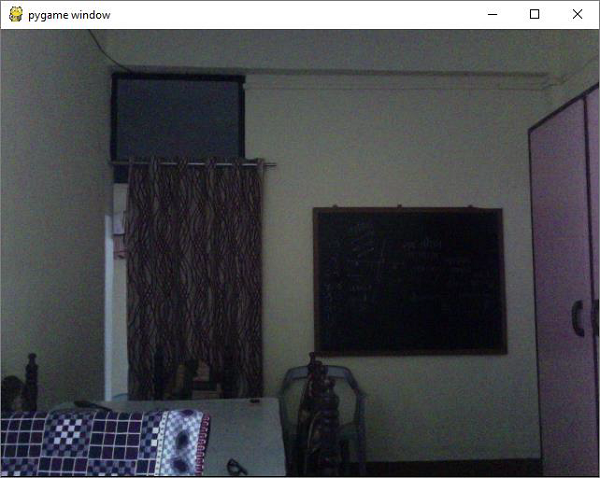
以下程序捕获计算机默认网络摄像头的实时馈送。
import pygame
import pygame.camera

pygame.init()

gameDisplay = pygame.display.set_mode((640,480))

pygame.camera.init()
print (pygame.camera.list_cameras())
cam = pygame.camera.Camera(0)
cam.start()
while True:
   img = cam.get_image()
   gameDisplay.blit(img,(0,0))
   pygame.display.update()
   for event in pygame.event.get() :
      if event.type == pygame.QUIT :
         cam.stop()
         pygame.quit()
         exit()
请注意,在 Windows 操作系统上,您可能需要安装 Videocapture 模块。
pip3 install VideoCapture
输出
广告